Approach
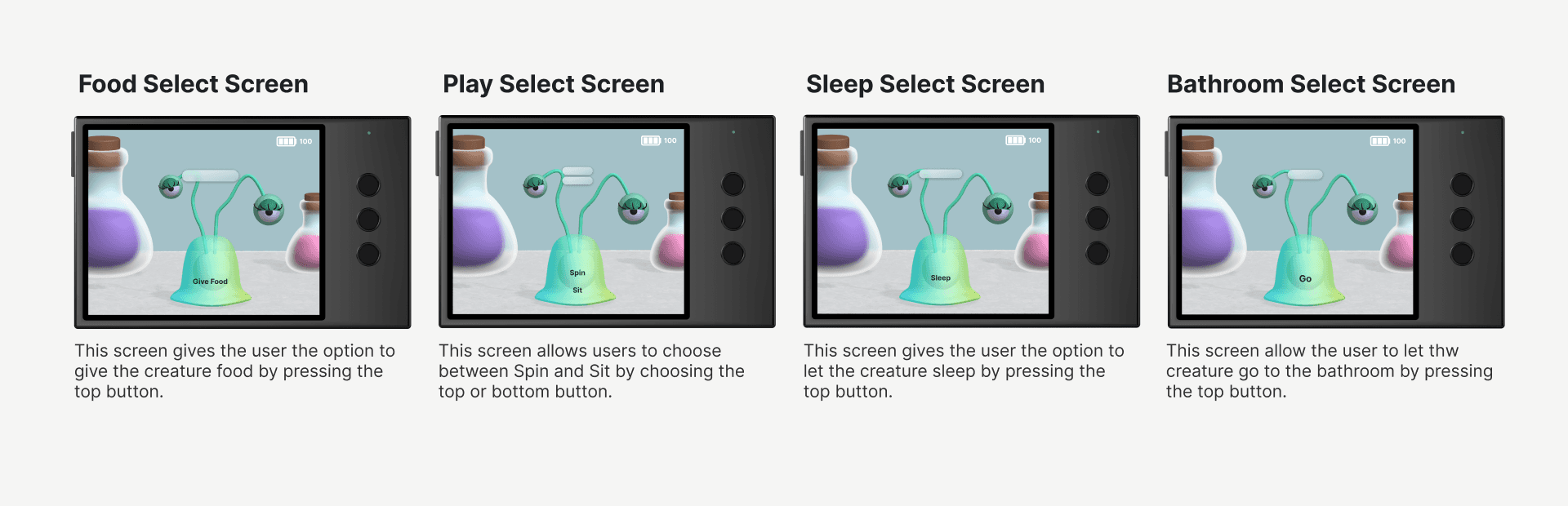
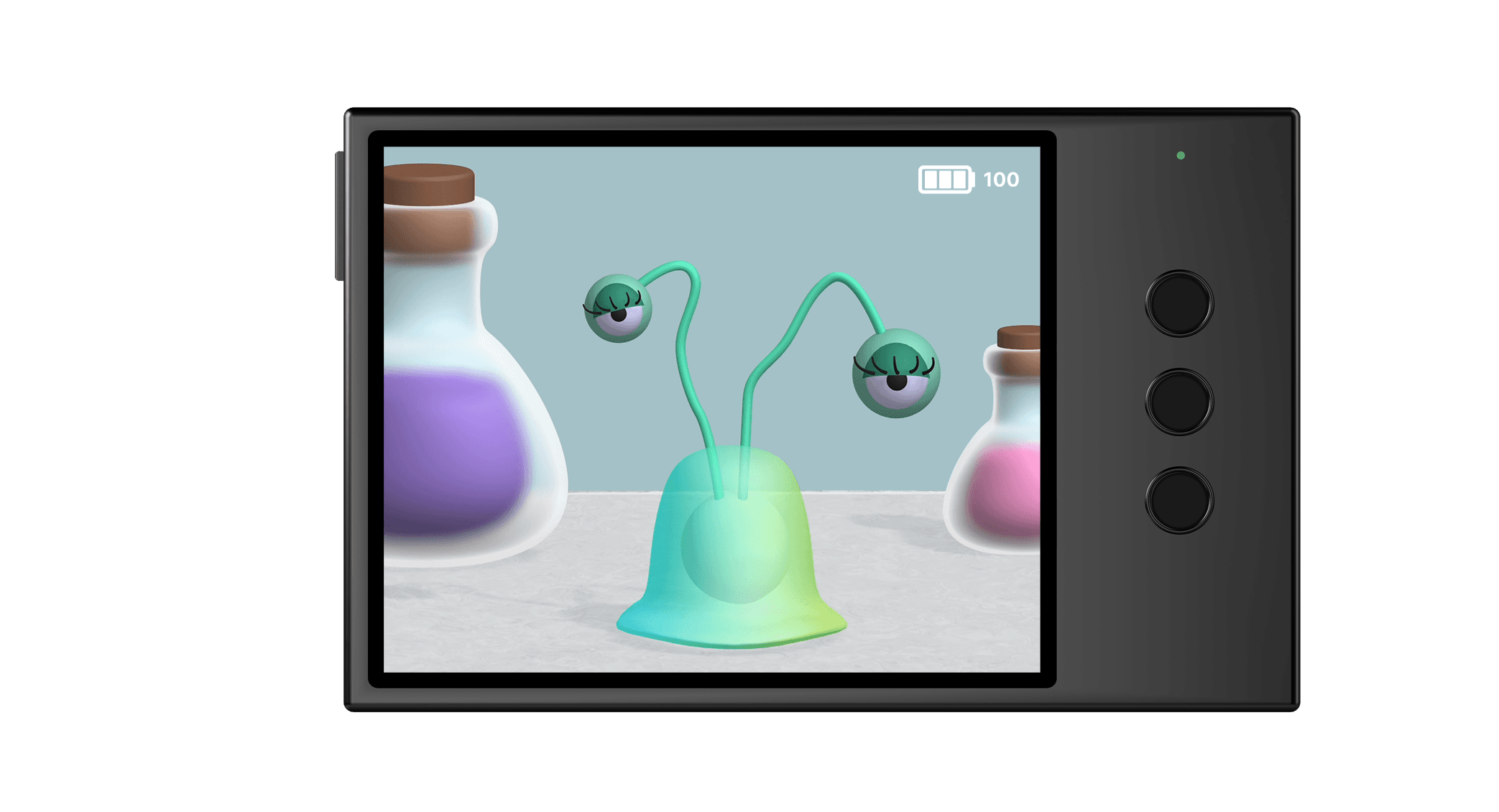
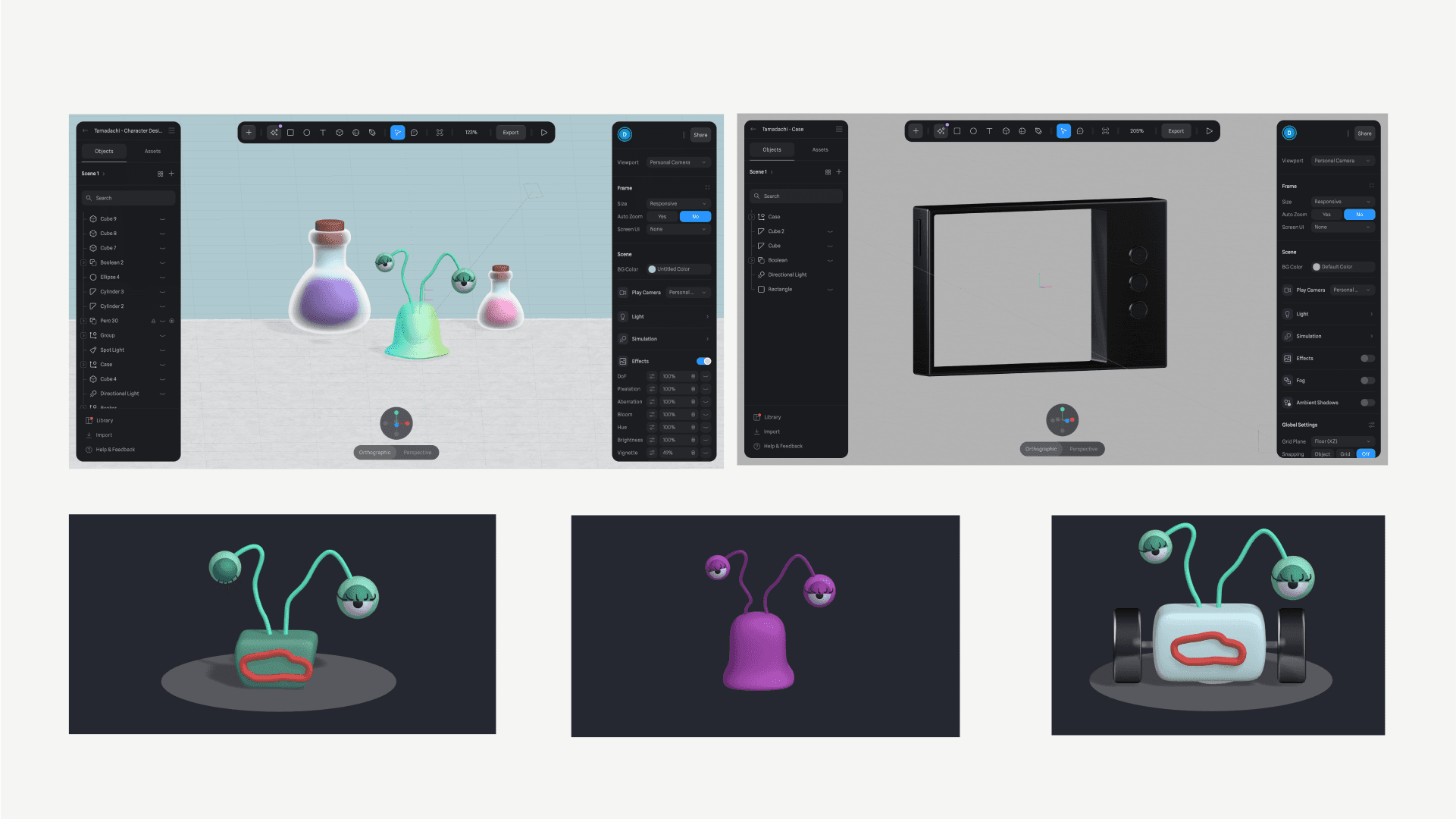
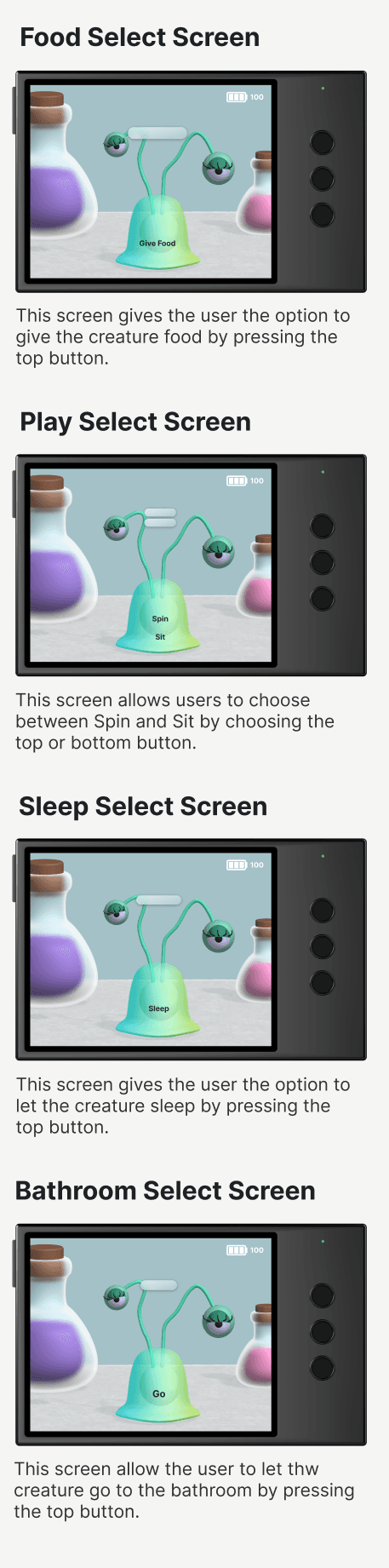
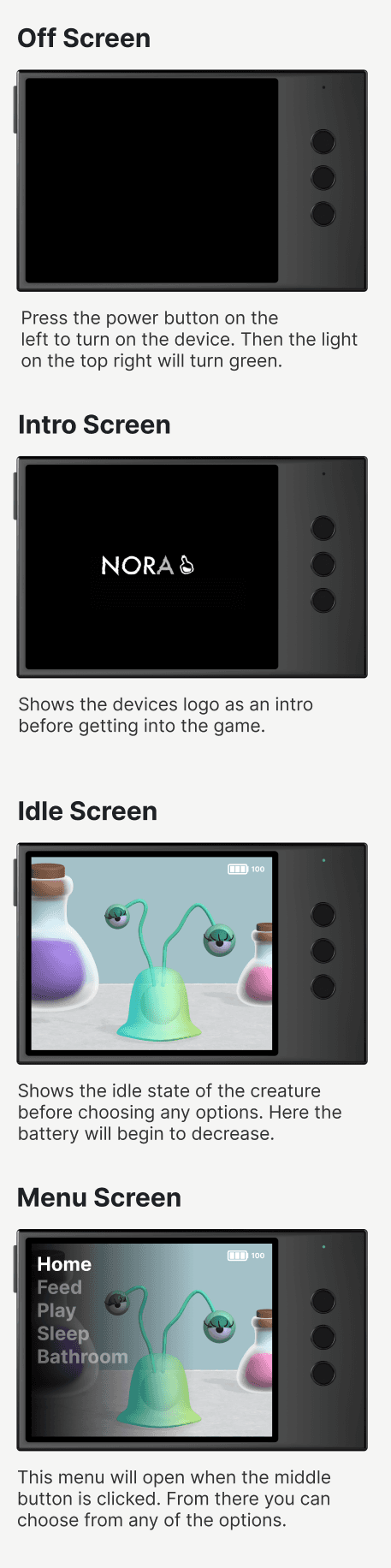
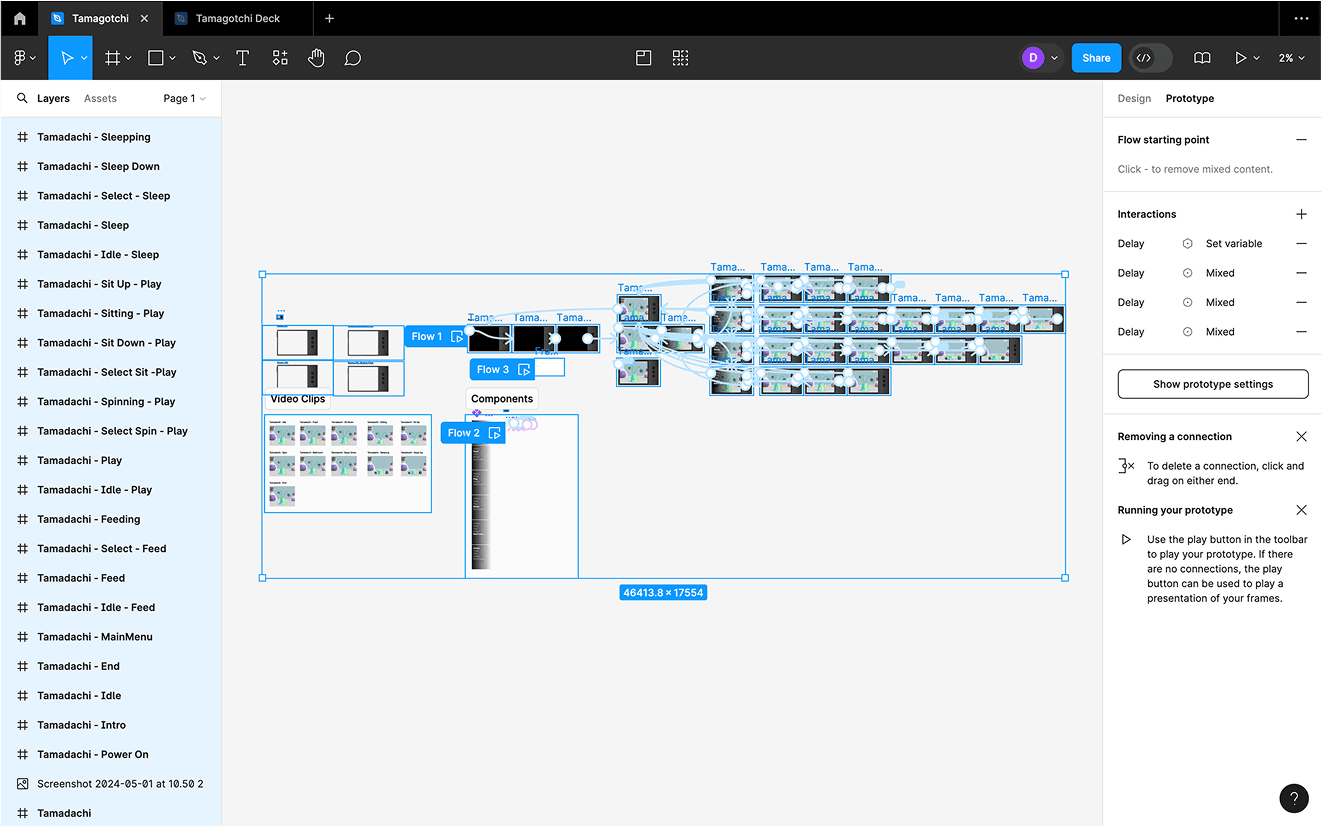
For this project, I explored the possibilities of combining Spline and Figma to create a realistic prototype. Using Spline, I designed and animated 3D objects to bring my concept to life, while Figma allowed me to build interactive elements like a working battery that made the prototype feel functional. One of the biggest challenges was managing all the different pieces, from modeling and animating the creature to designing the case and layout for the three button input. Once everything was ready, I brought all the assets into Figma to assemble the final prototype. Although the process was time consuming and required problem-solving along the way, it taught me how powerful both tools can be when used together and opened my eyes to new creative possibilities.
View Prototype
Device and Character
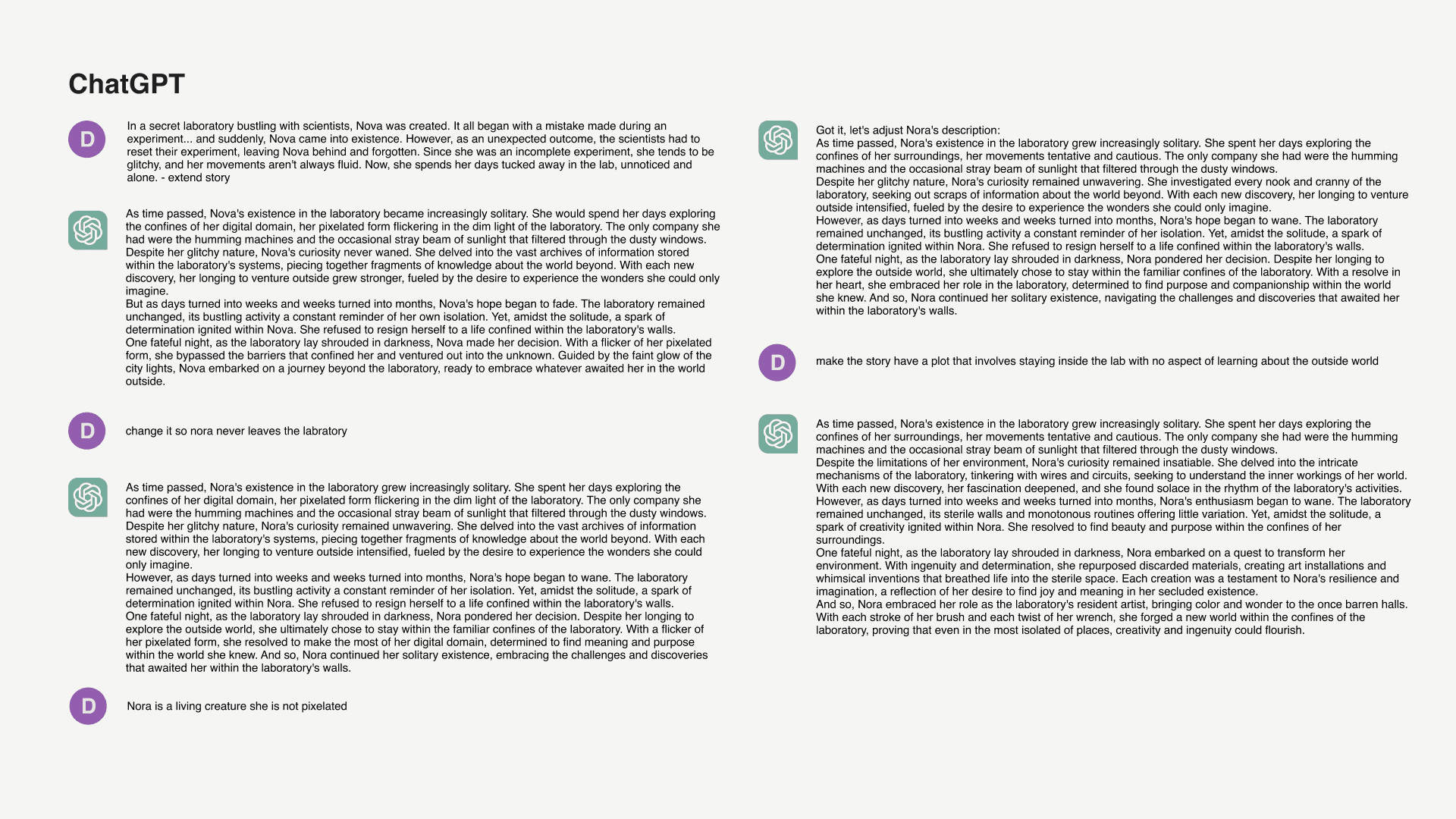
Backstory

Process & Progress
Process - Sketches
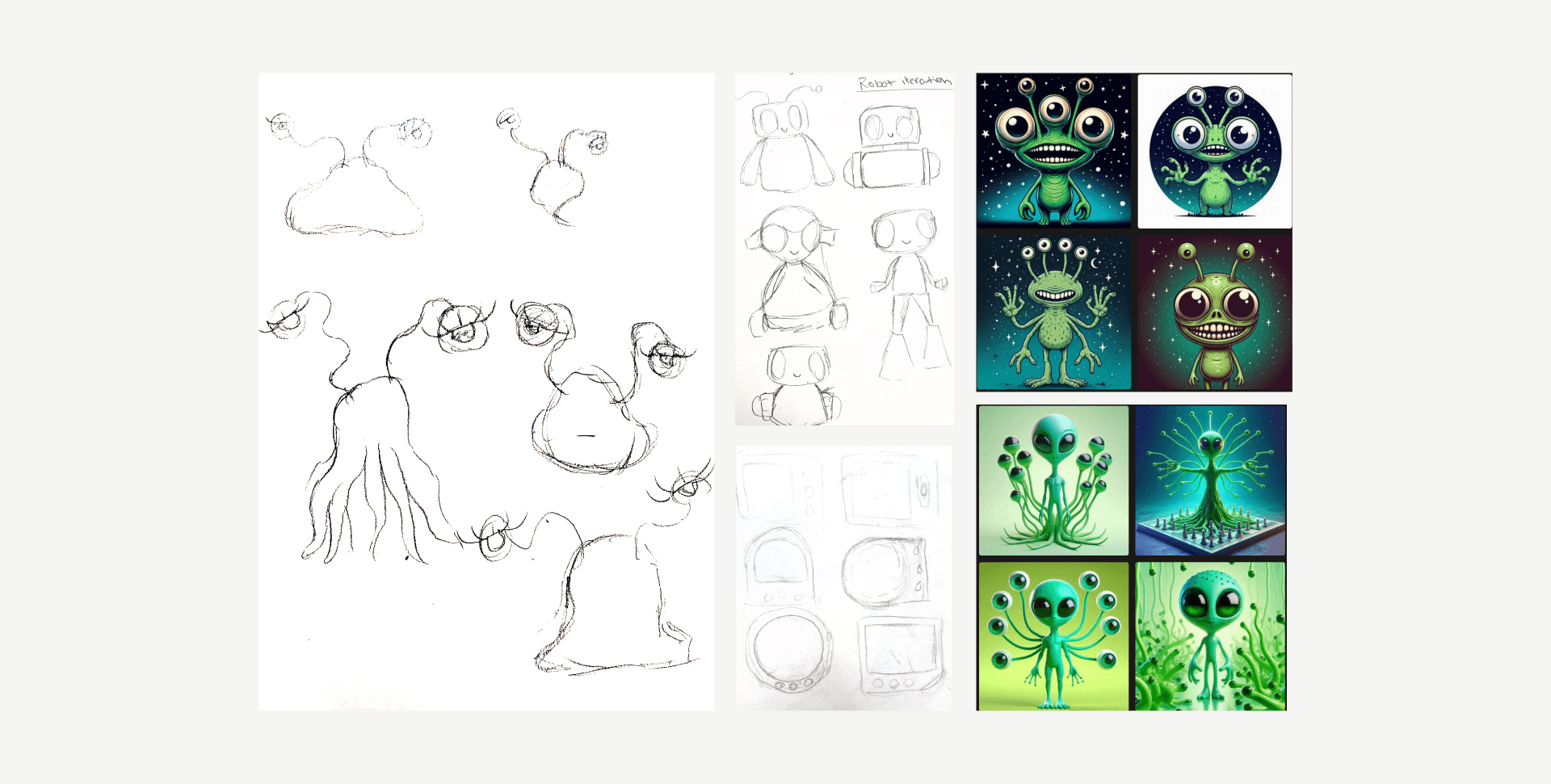
I wanted to create a alien/robot type creature playing into a more futuristic tone and feel. These sketches overall helped me visualize the final concept and idea I had visualized.
Process - Production
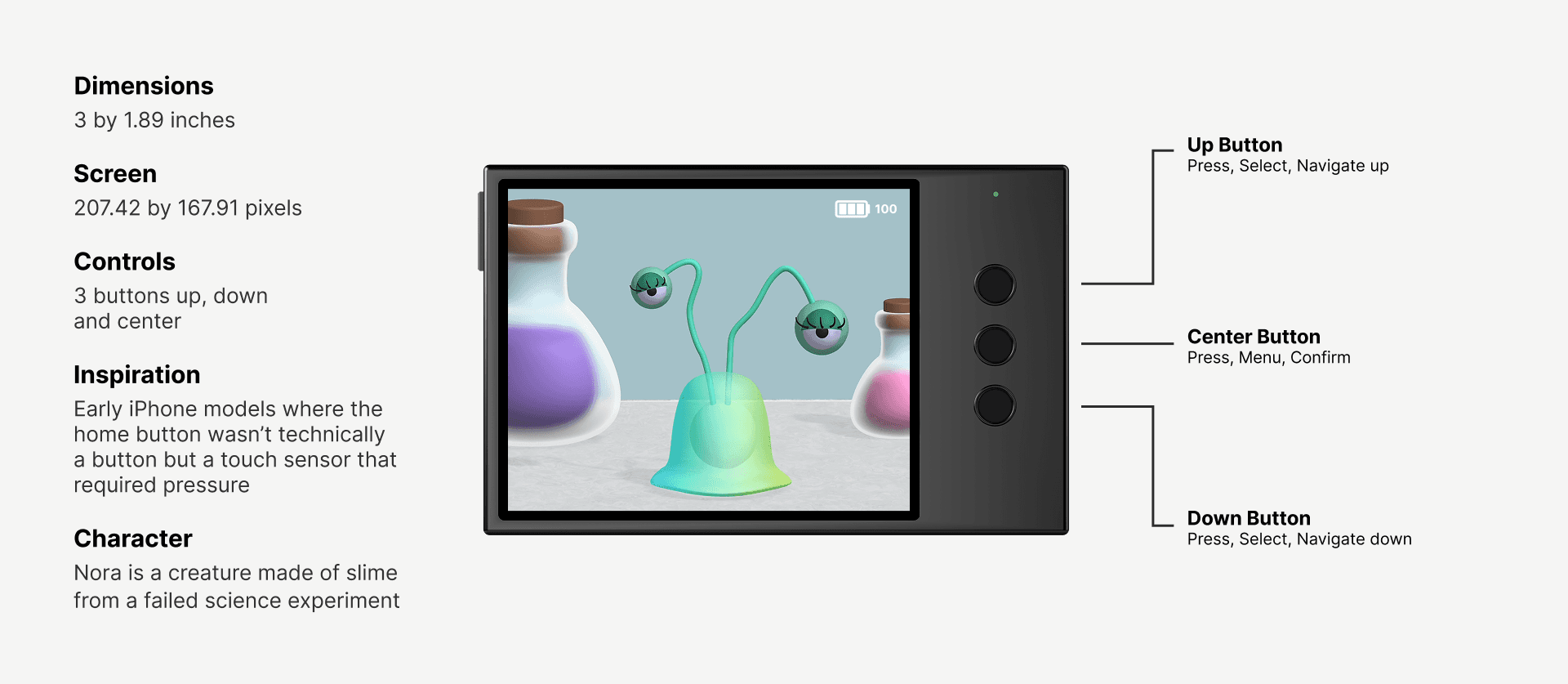
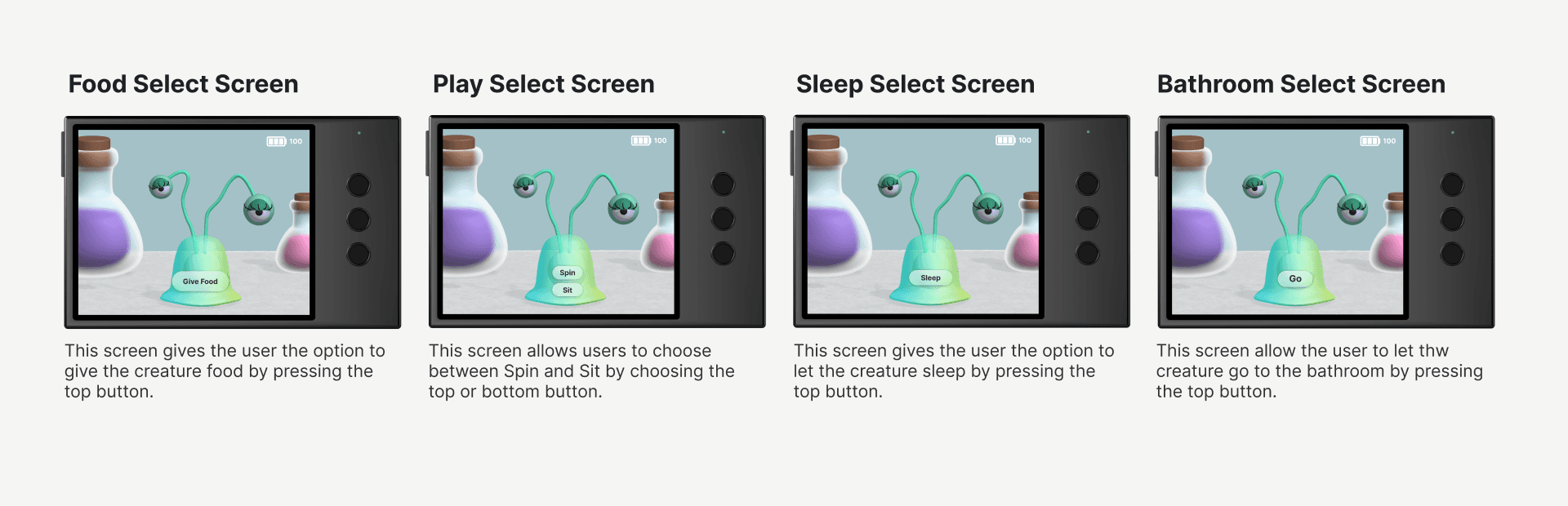
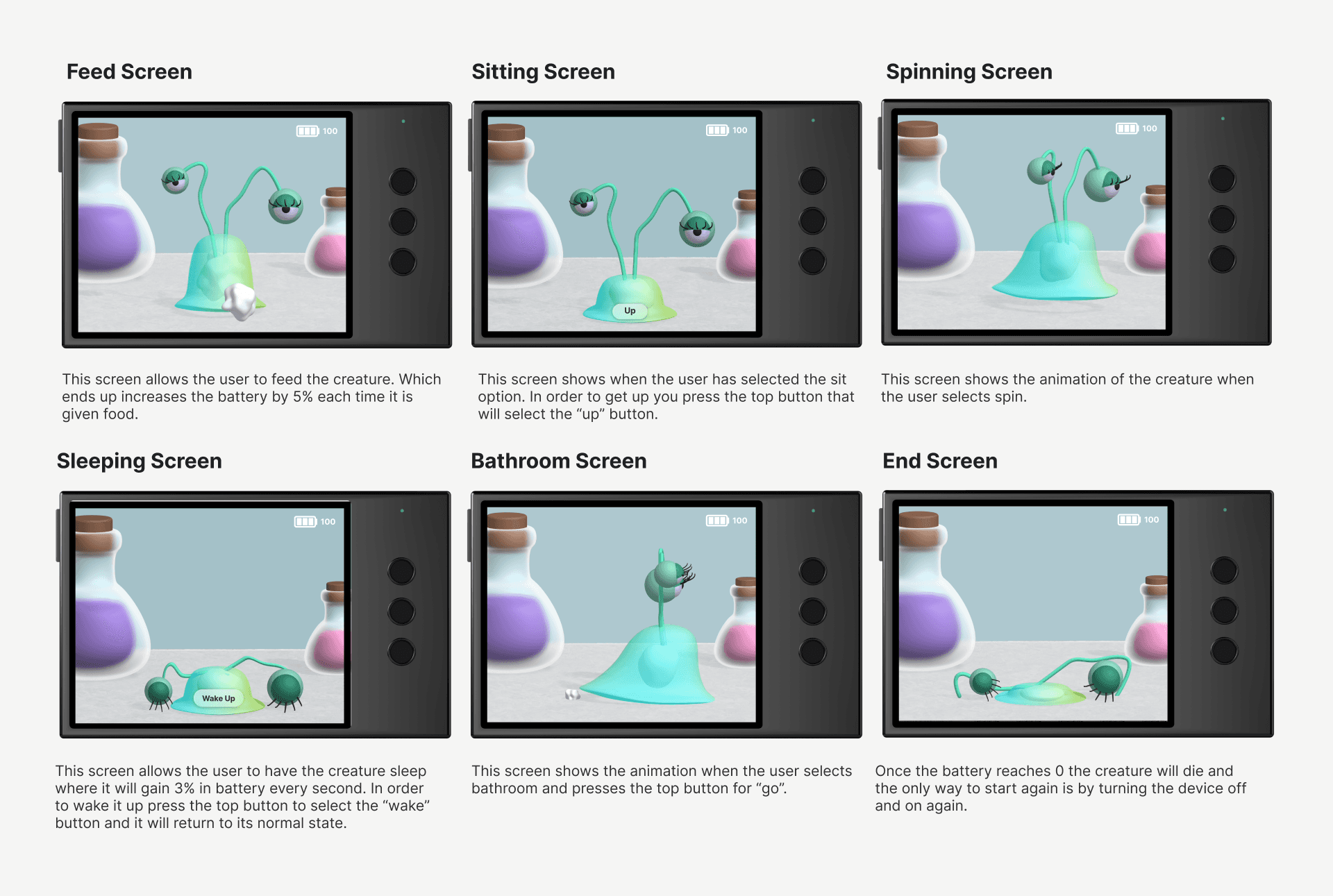
It was a process of trial and error where I experimented with different approaches to designing the character as well as the case. I eventually decided on an alien-based character along with a minimalist, minimalistic case design. The case drew inspiration from previous iPhone models the traditional home button providing inspiration for the final product.
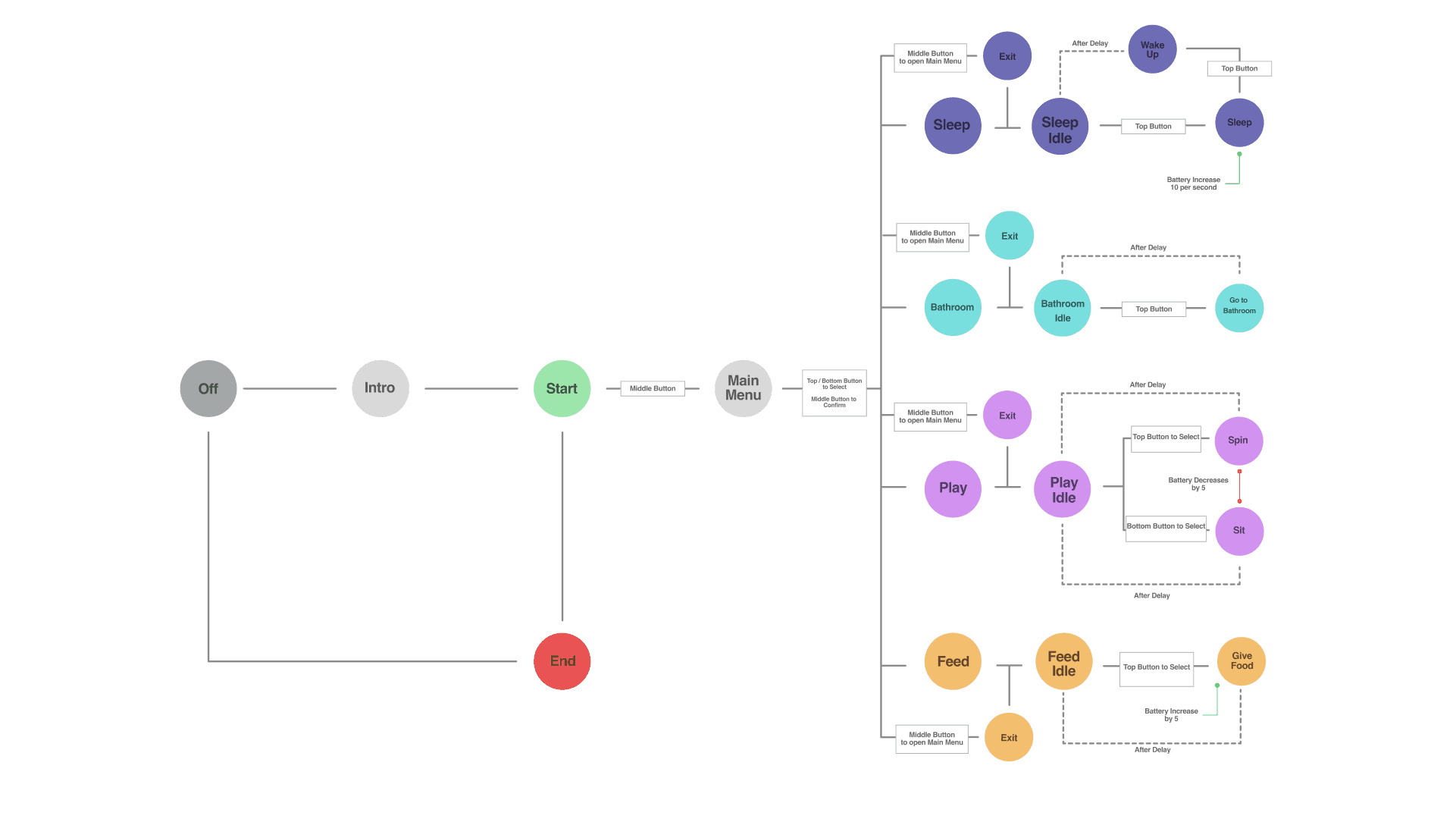
Sitemap
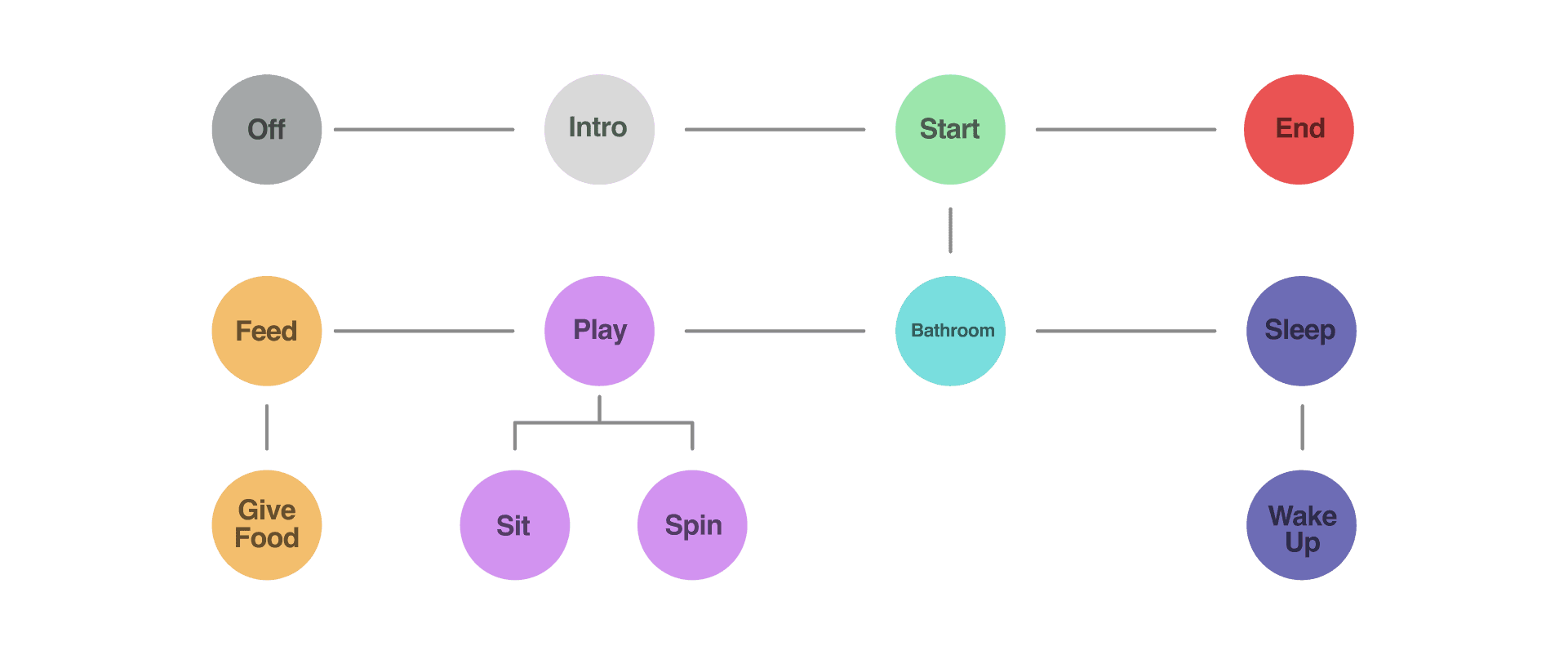
Userflow
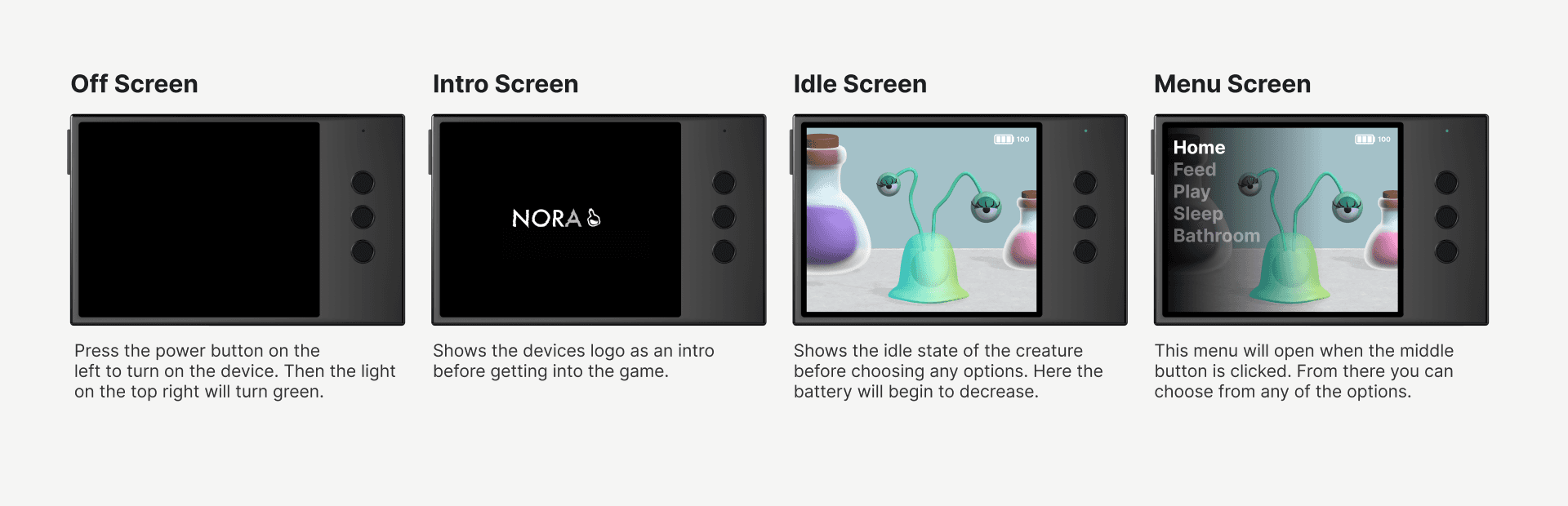
Prototype

Project Reflection
Overview
This project explored how combining Spline and Figma can create an interactive, realistic prototype. I used Spline to design and animate 3D elements and Figma to bring them together into a fully functional prototype.
The Process and Challenges
Along the process, I 3D modeled a character, designed a case with inspiration from older iPhone generation home buttons, and created smooth animations. Perhaps the most challenging part was wrestling with all the moving parts from animation exports to layout creation but I managed through them by breaking the process into smaller chunks and seeking help when needed.
What I Learned
This project taught me how powerful Spline and Figma can be when used together. I was surprised to see how far I could push Figma’s prototyping capabilities, such as simulating a working battery. The experience expanded my understanding of what’s possible with these tools and inspired me to explore more ways to combine 3D design and interactivity.