INTERACTIVE KIOSK DESIGN
PROTOYPE
UI/UX
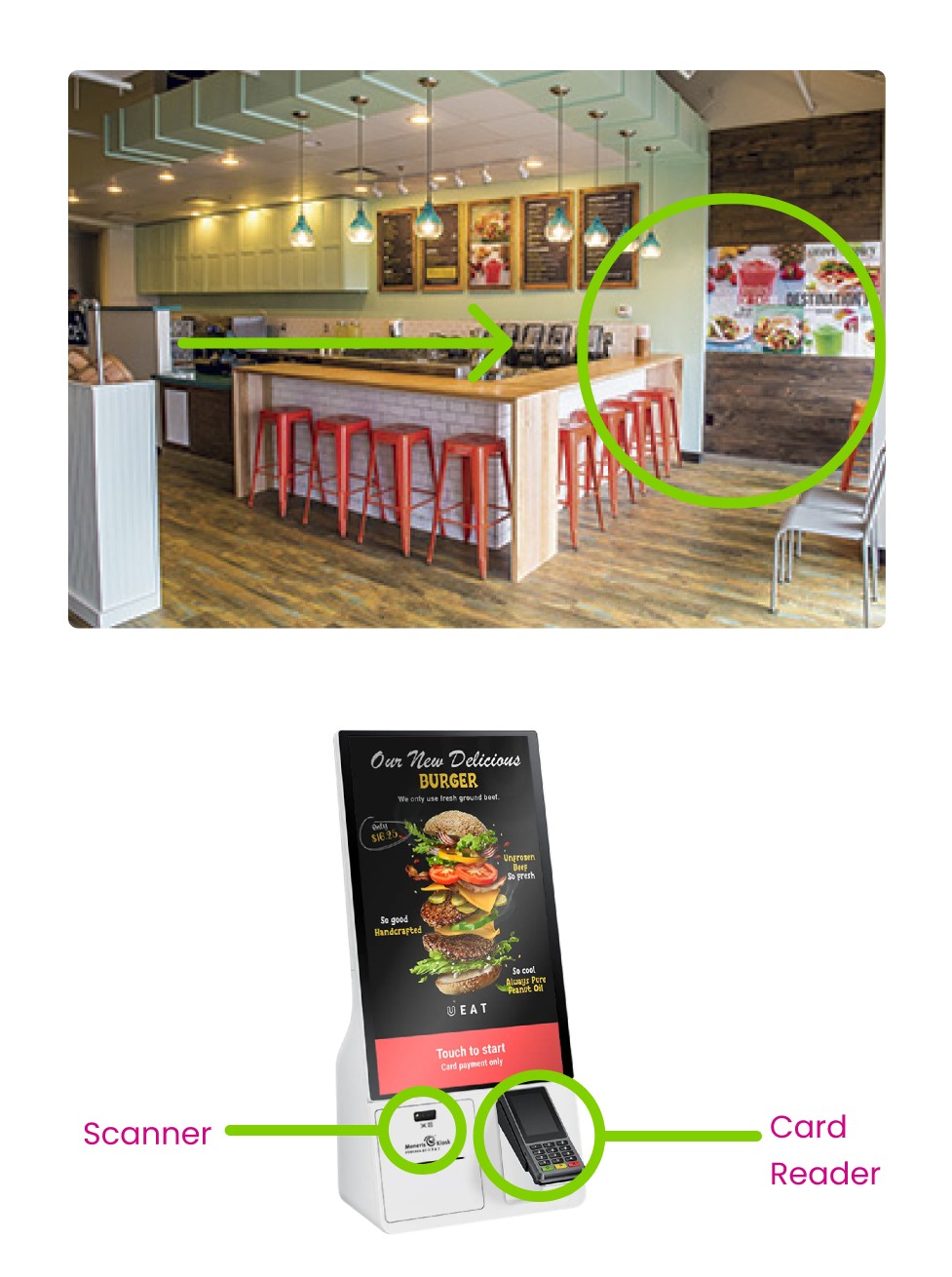
This Prototype kiosk was based of Tropical Smoothie cafe. I was prompt with creating a kiosk based on a existing company that did not already have a kiosk.
Timeline
10 weeks
Software
Figma
Created
Spring 2025

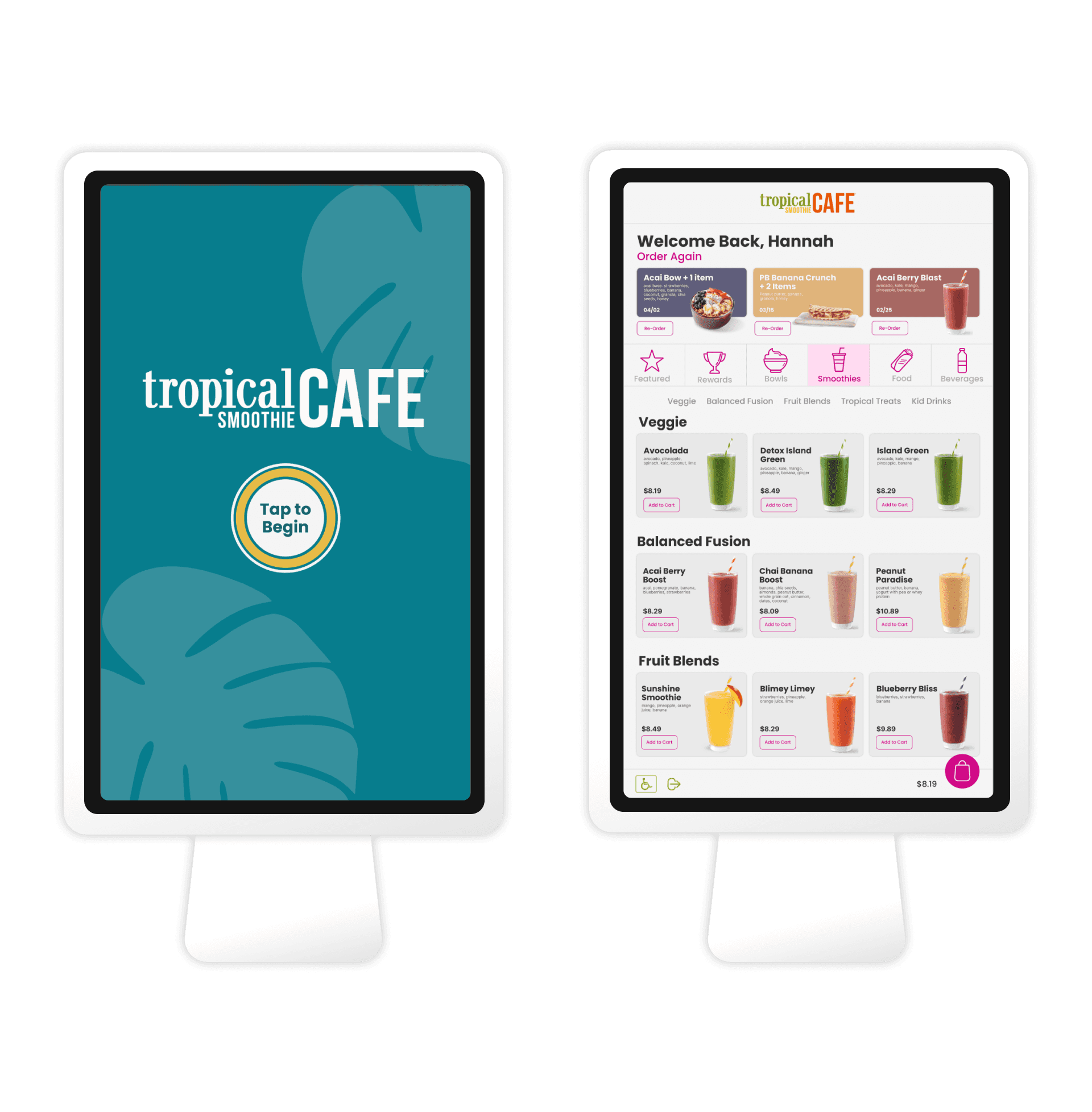
For the TSC kiosk project, I approached the design as a problem solving challenge focused on clarity and user flow. I began by identifying key user tasks and mapping a clear, intuitive workflow from start to finish. Through wireframing and iteration, I ensured every screen and button had a purpose, reducing friction and creating a seamless, efficient experience.
View Prototype
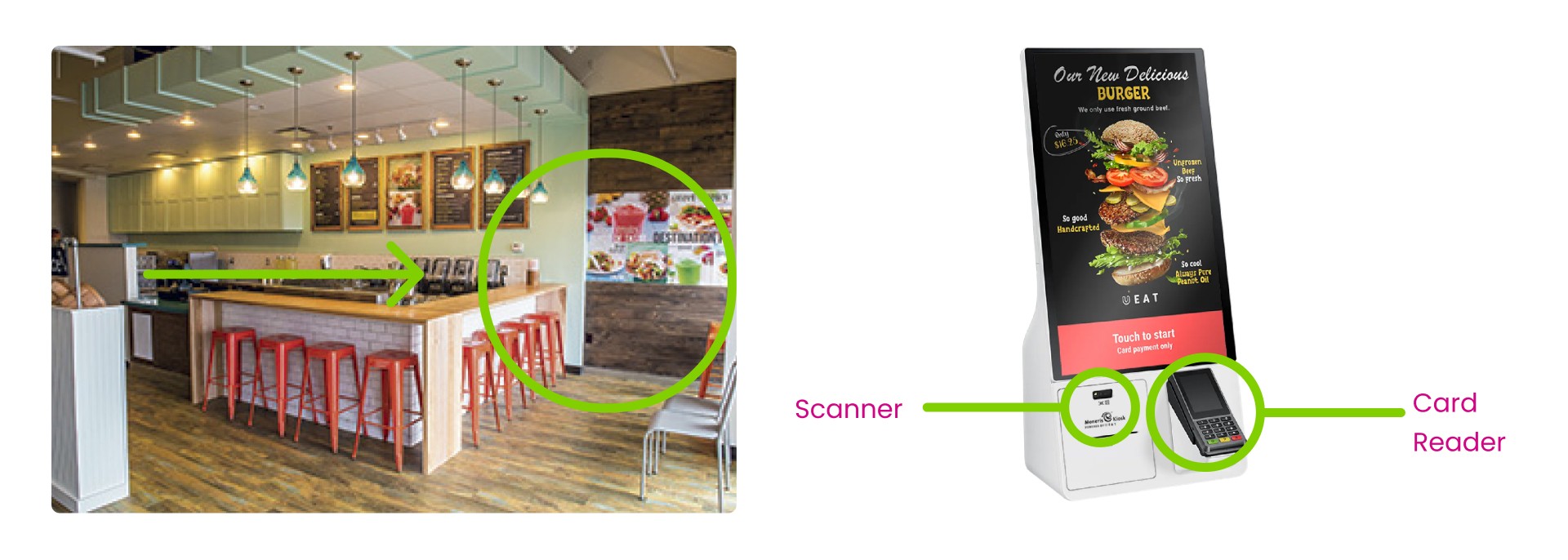
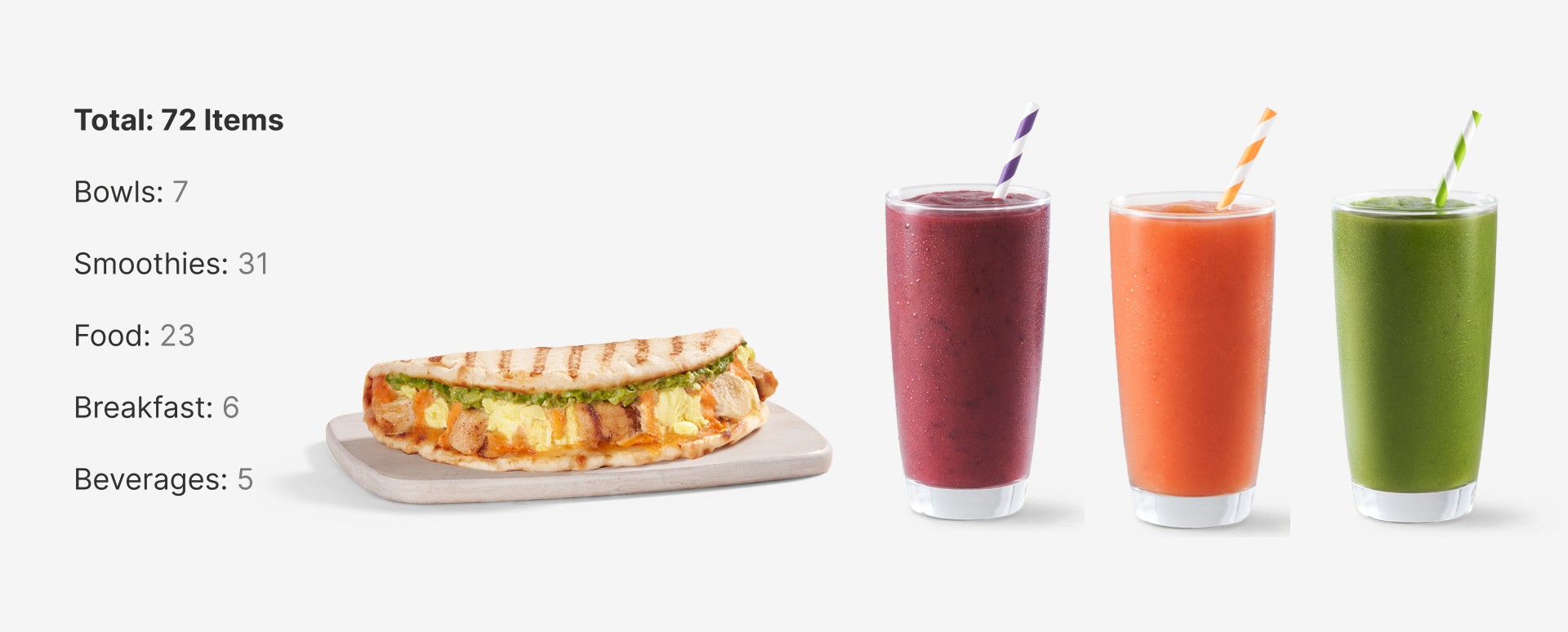
Part of my research included analyizing Tropical Smoothie Cafe's menu and organizing the products to determine total of items and categories that would need to be included.
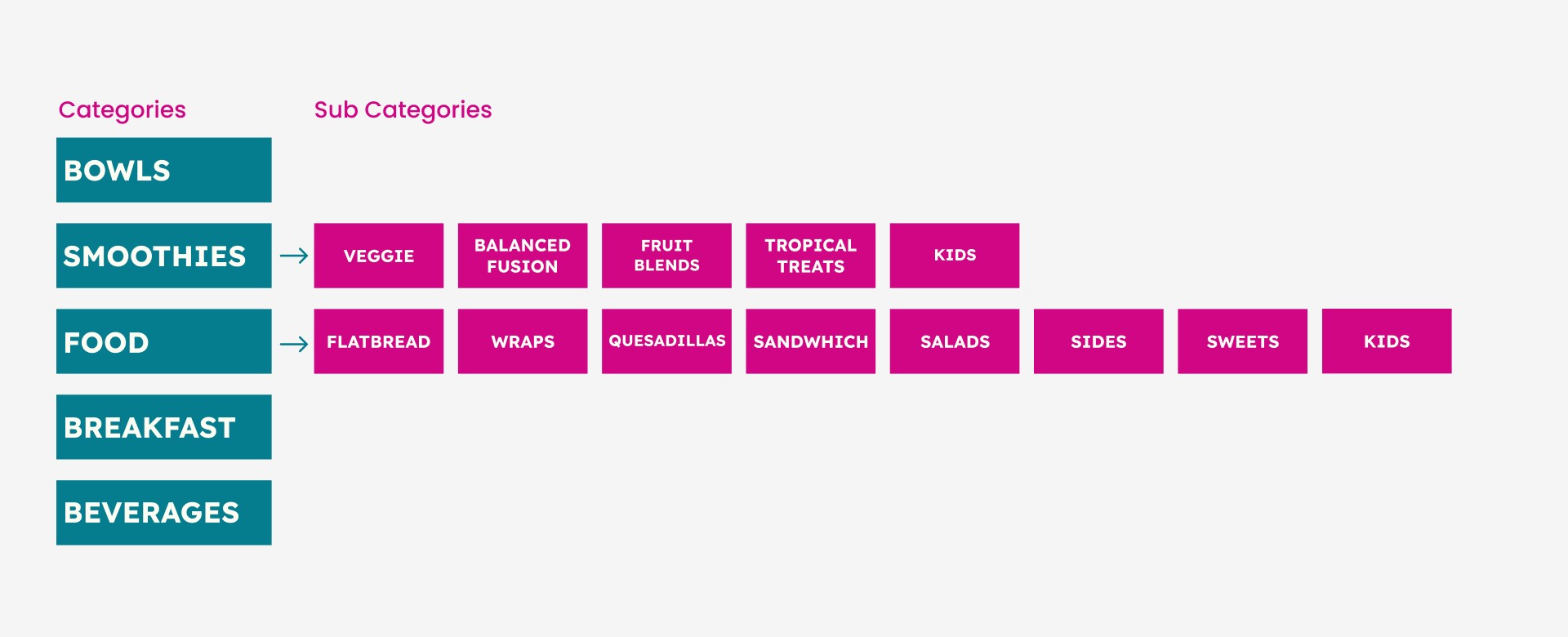
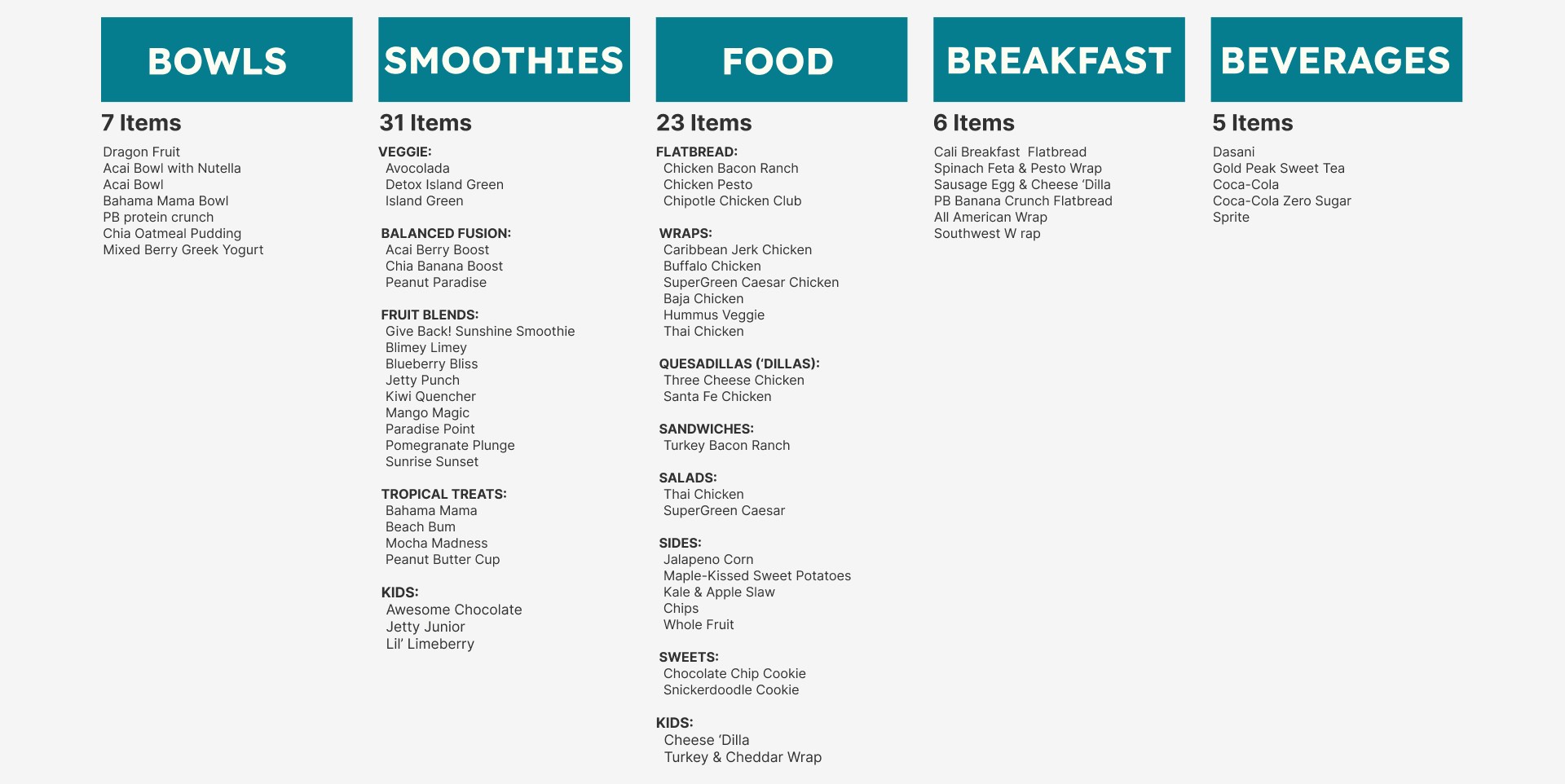
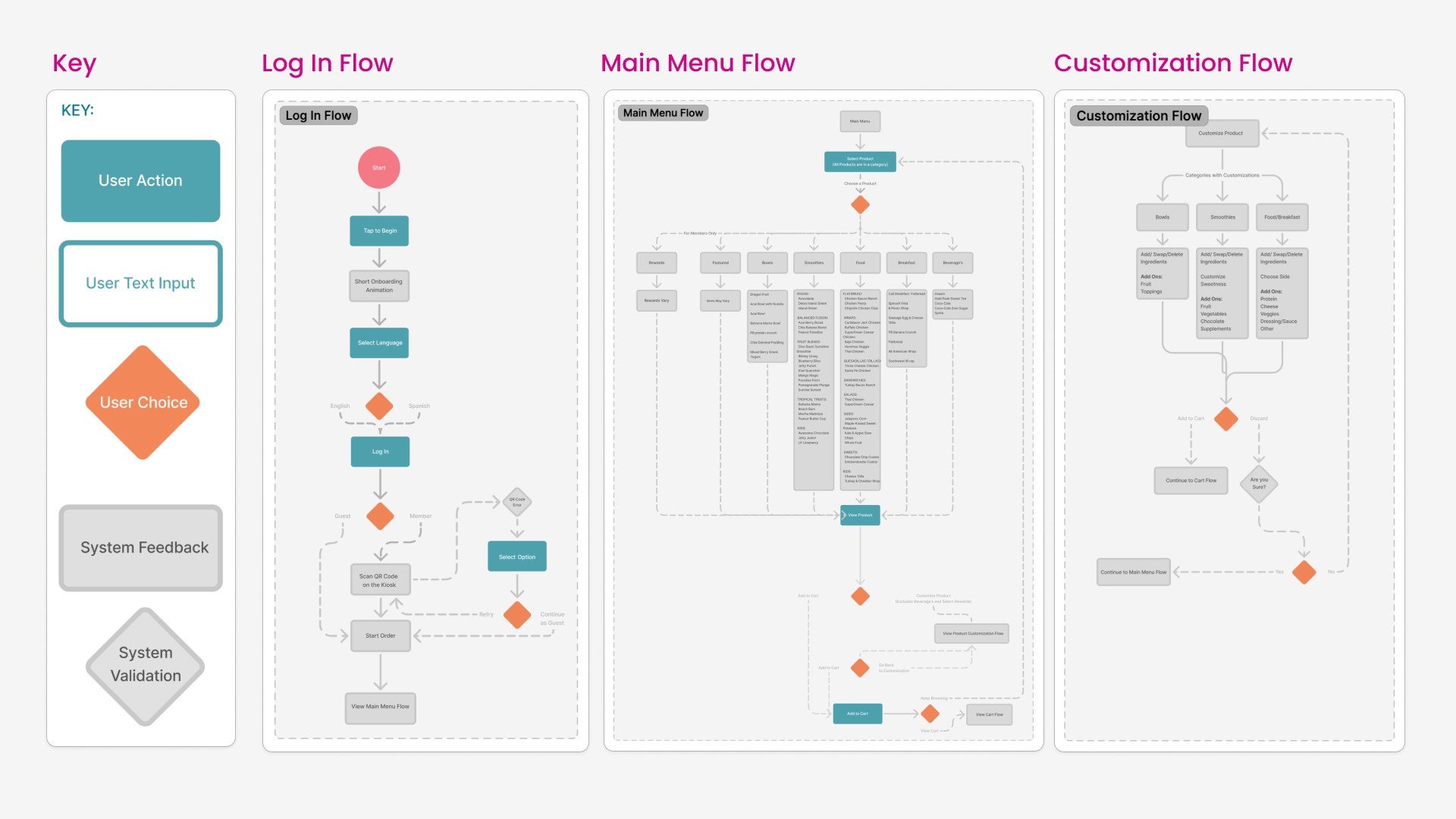
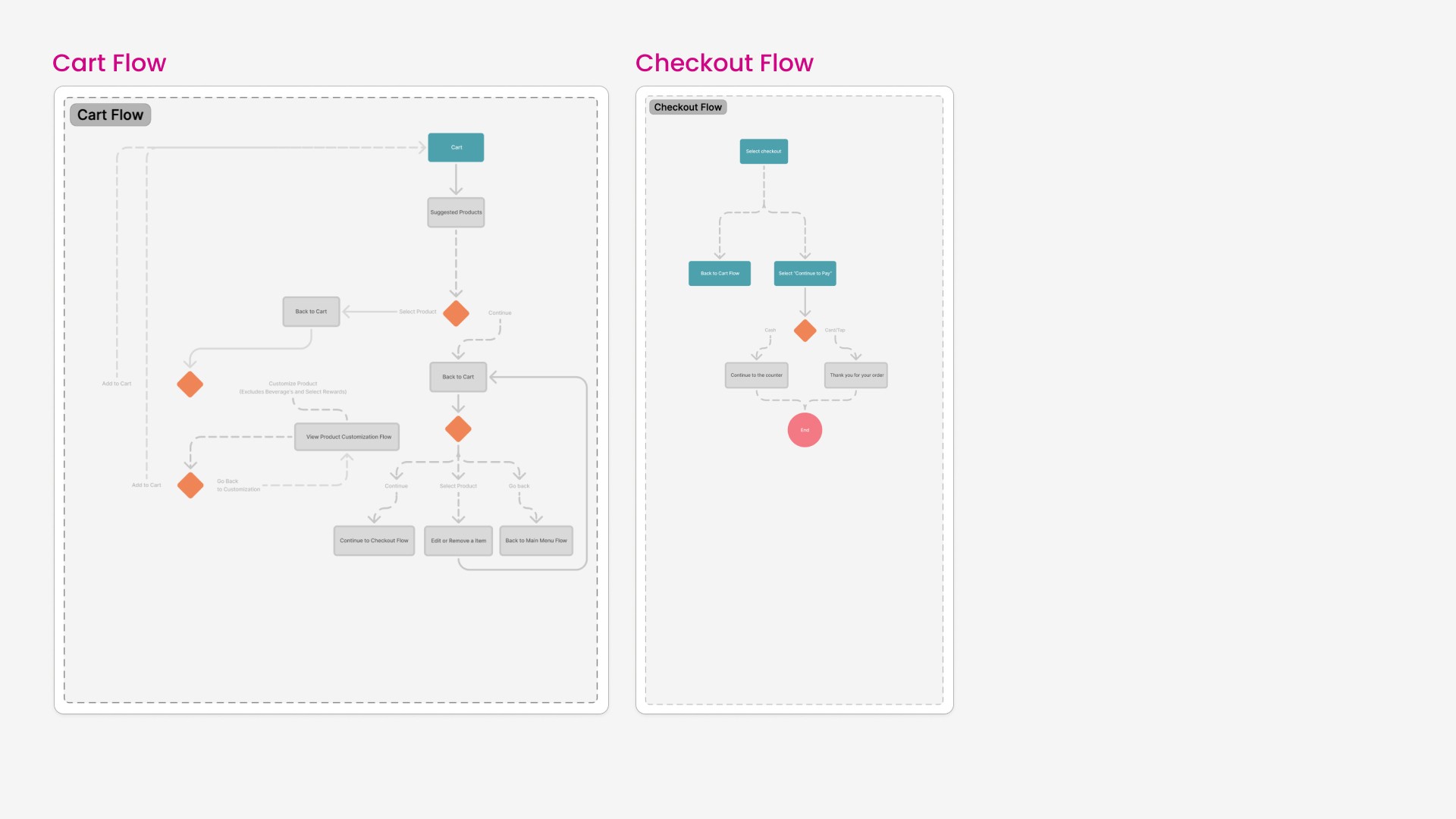
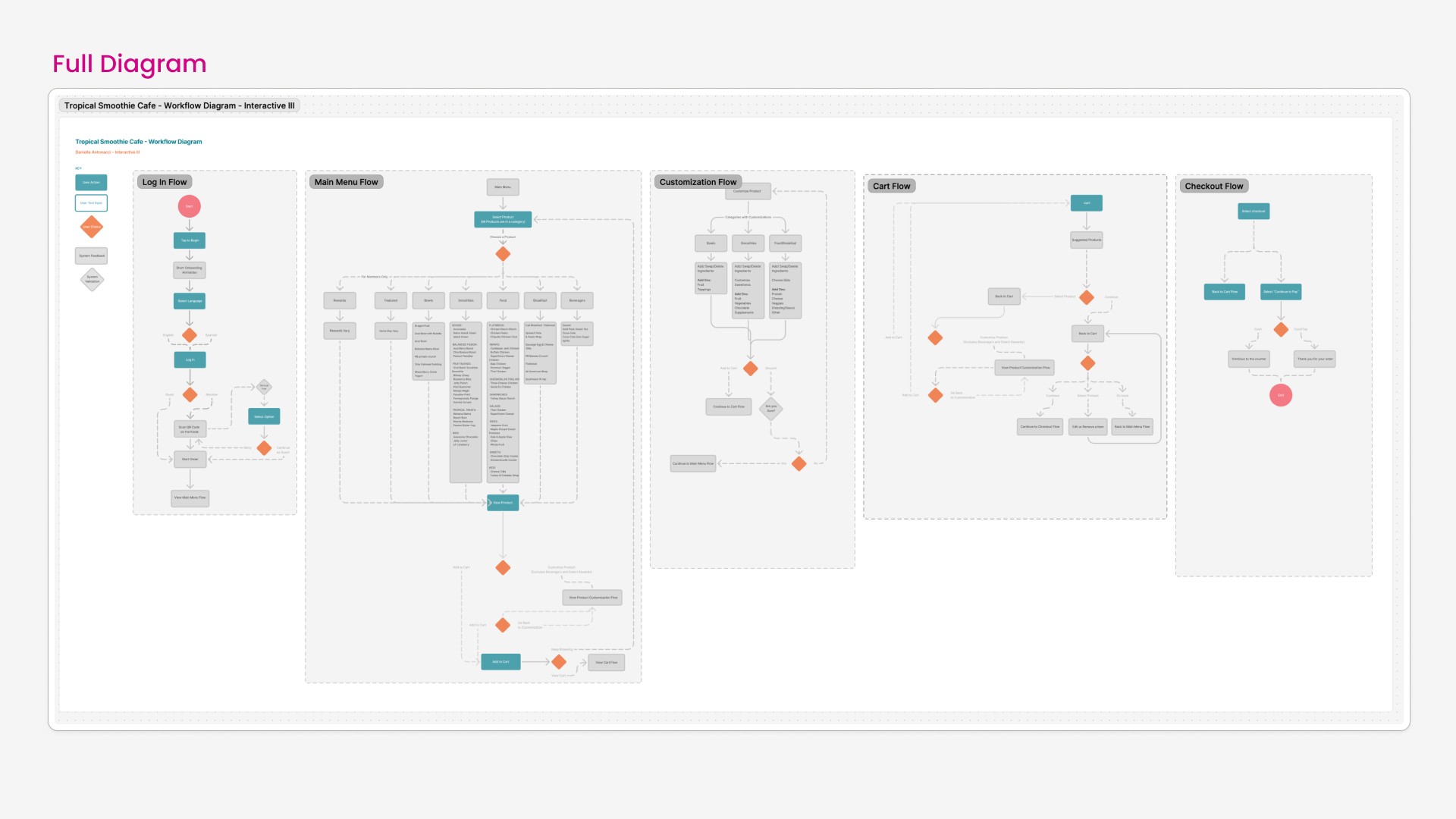
Workflows helped to really think about the flow and how the user starts the flow and ends the flow. This helped visualize and critically think about what screens are needed and how the flow will work.
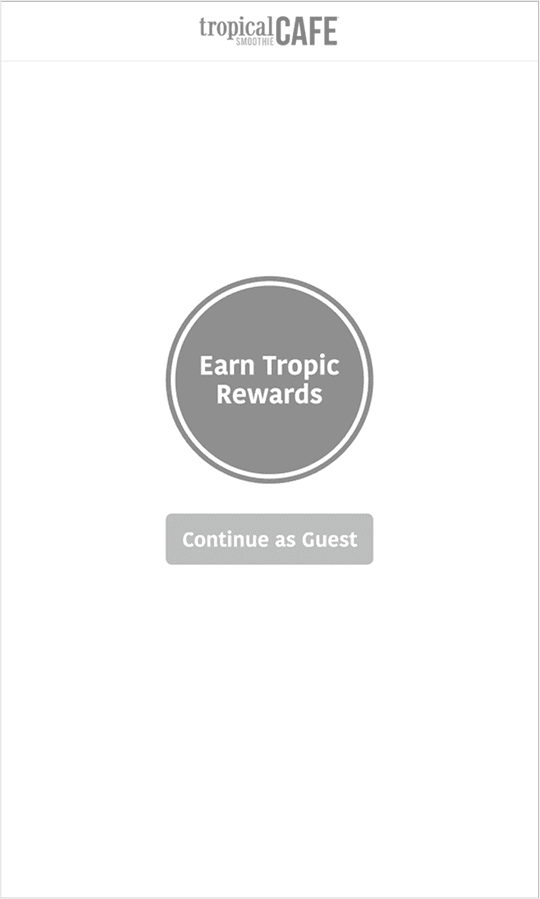
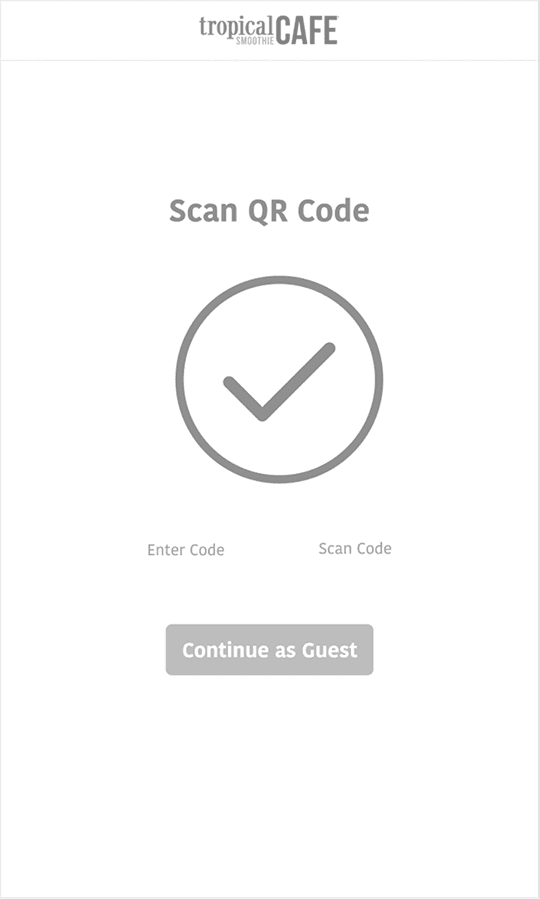
Wireframe - Onboarding
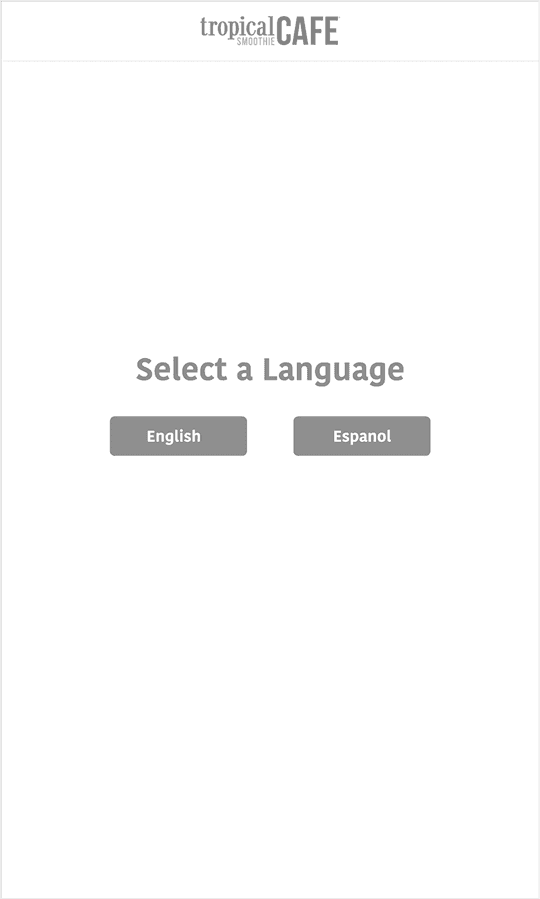
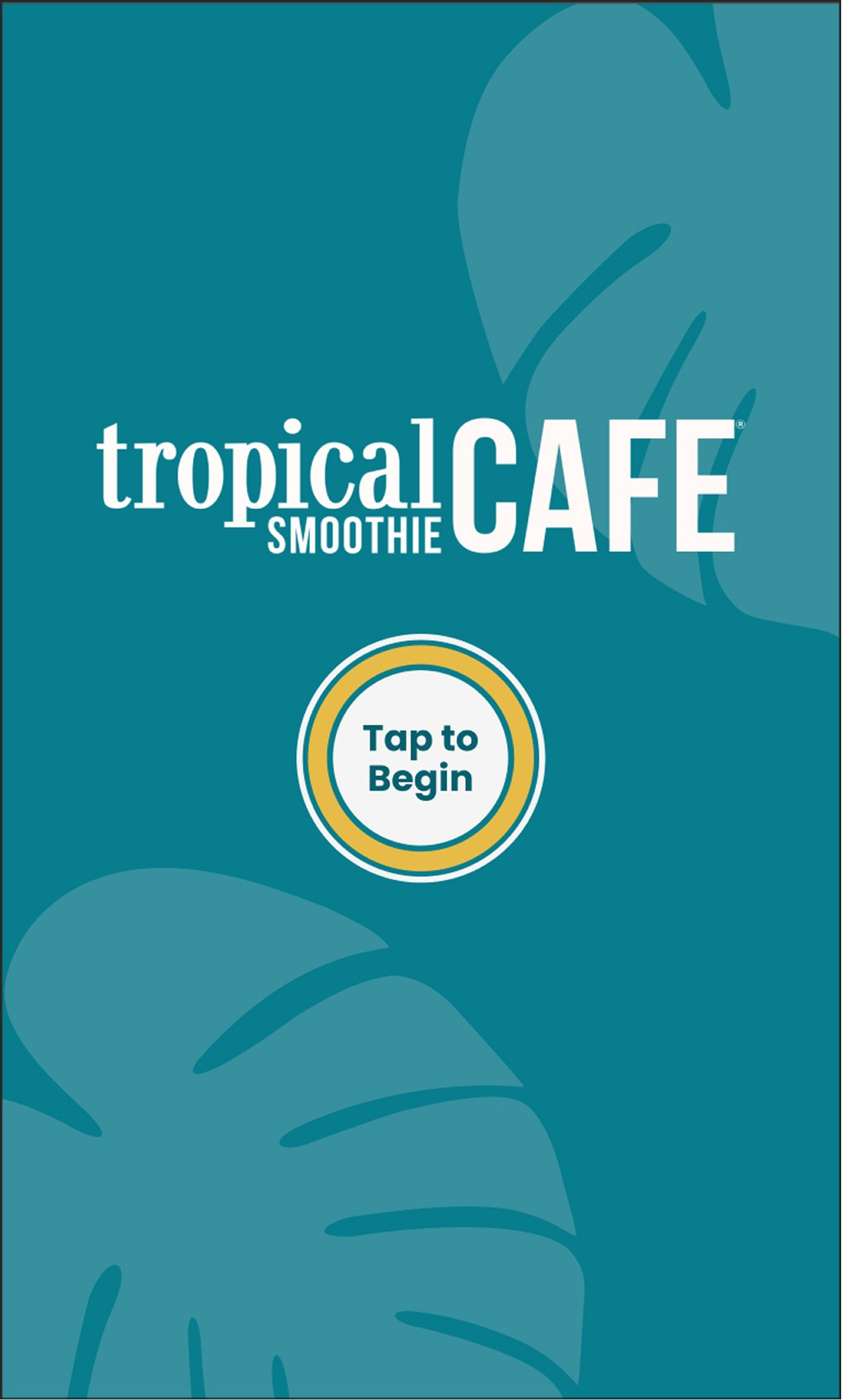
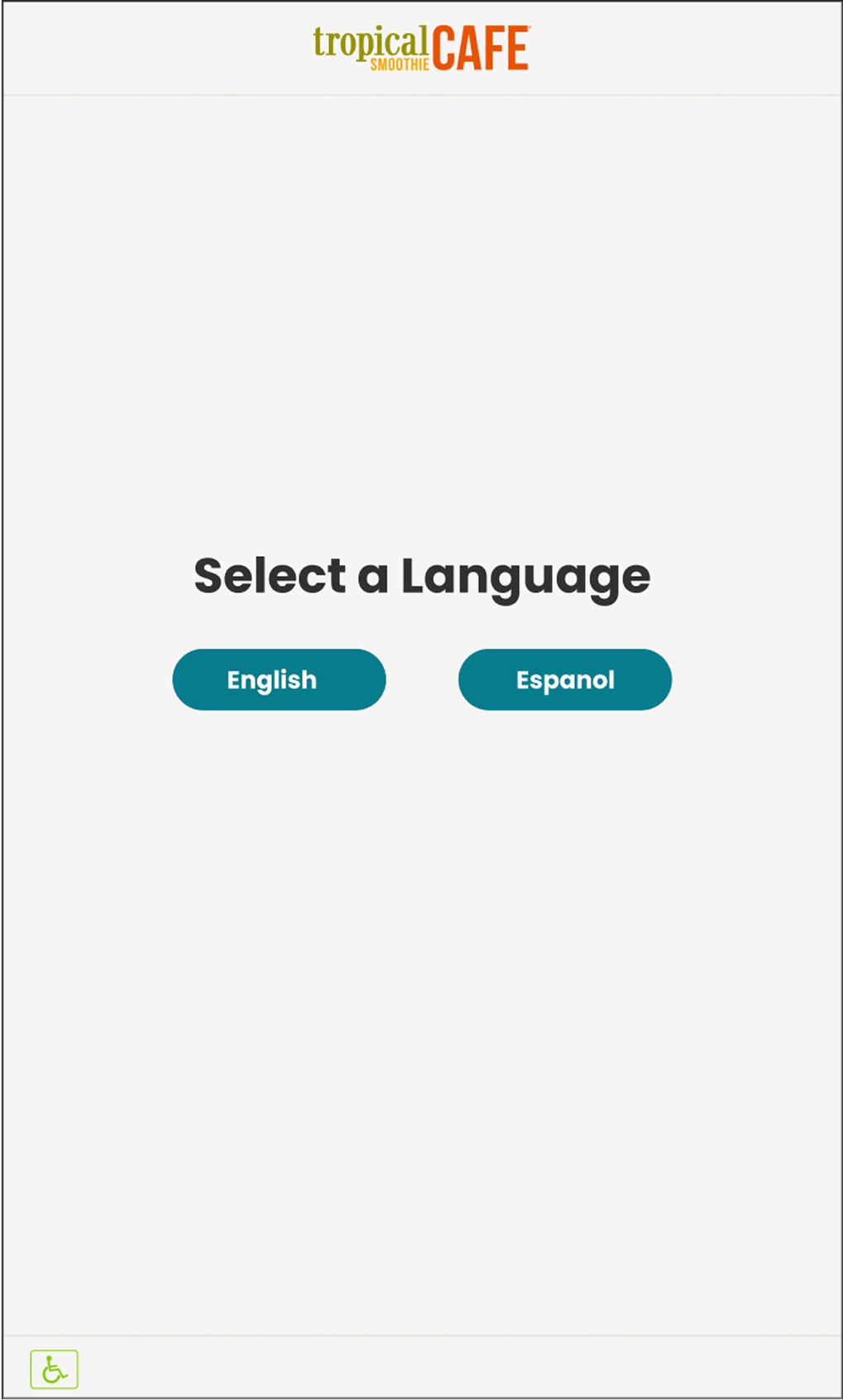
These wireframes represent the idle screen along with onboarding and language selection. Also allowing the user to choose whether to sign in with rewards or continue as a guest.

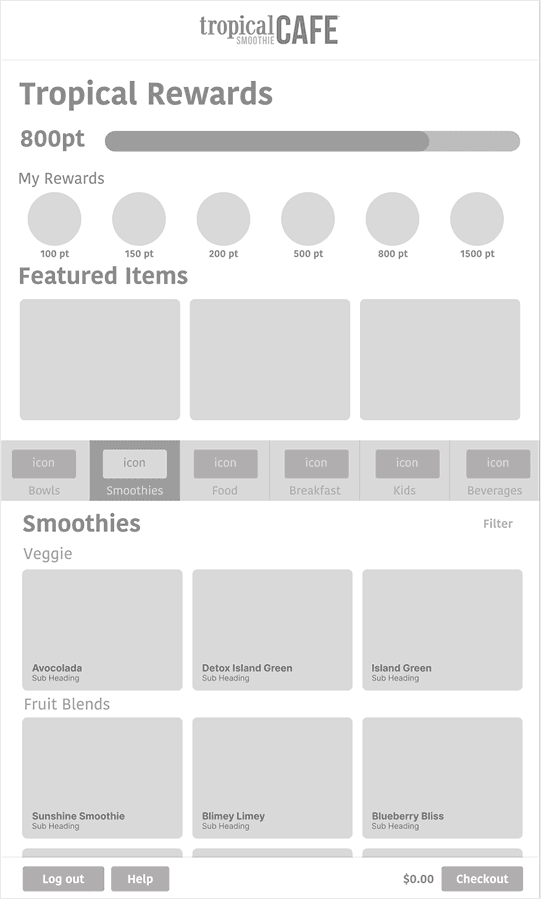
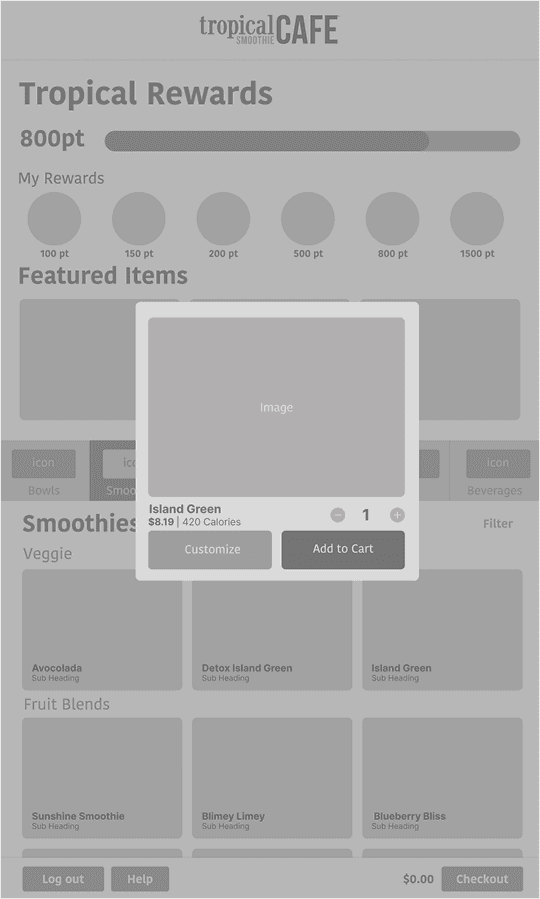
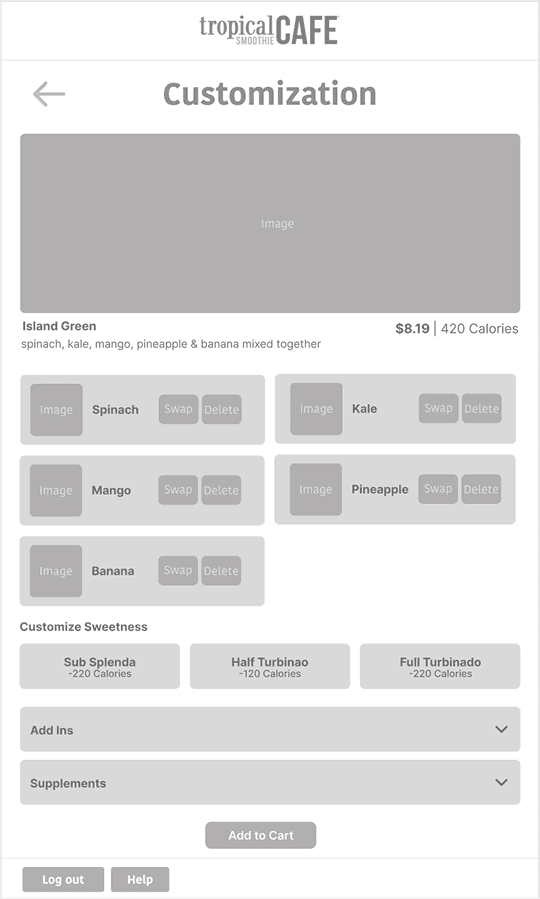
Wireframe - Item Selection & Customization
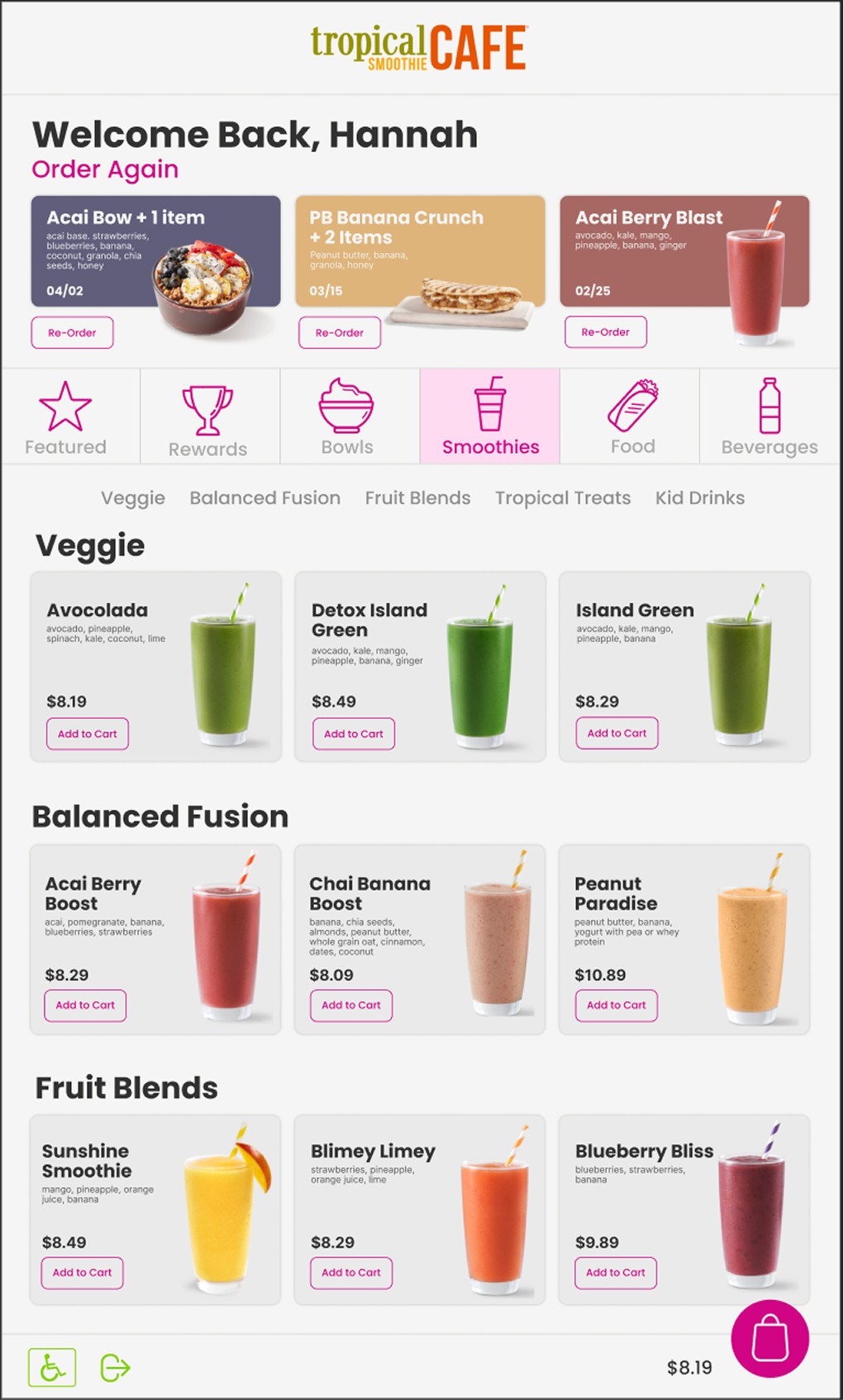
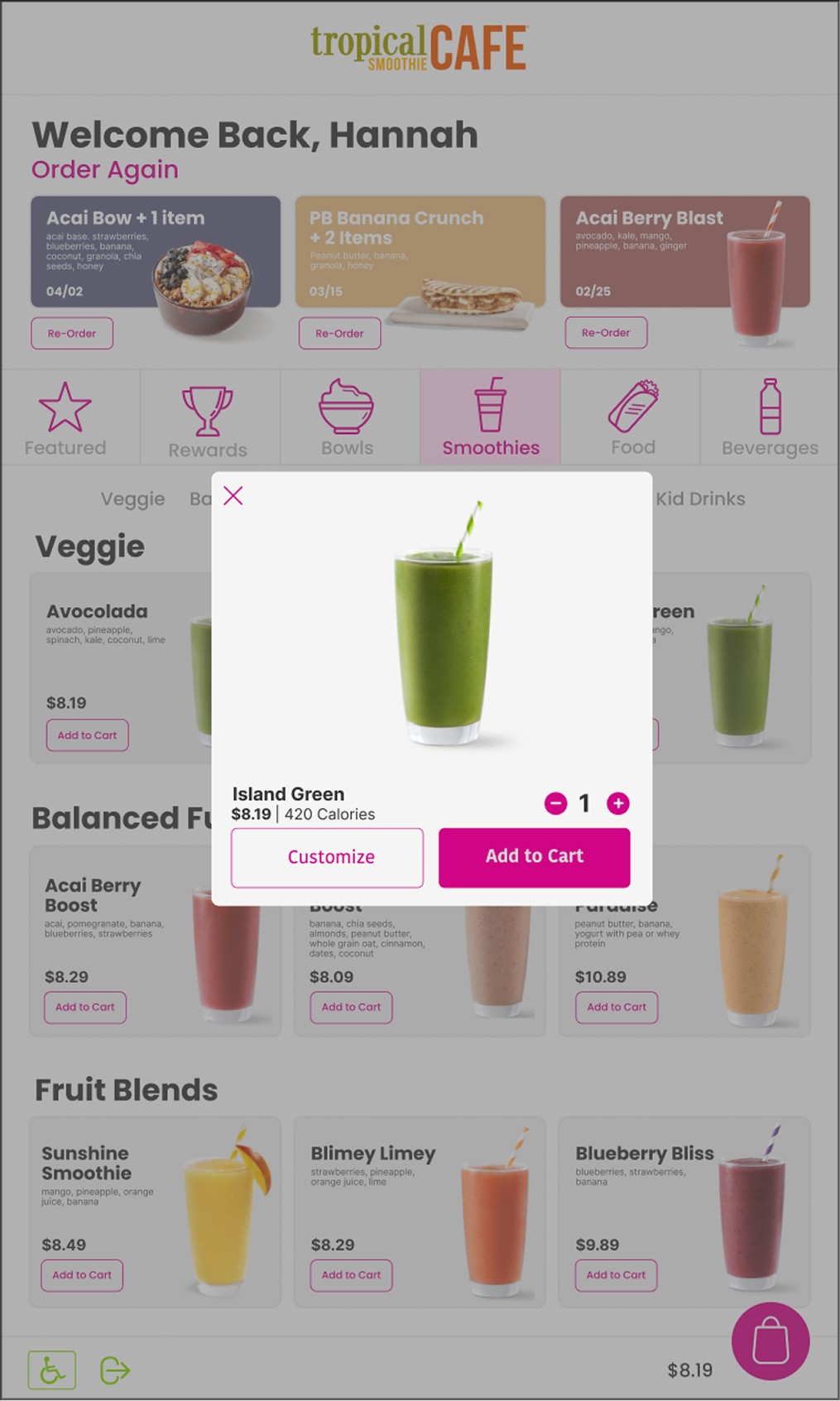
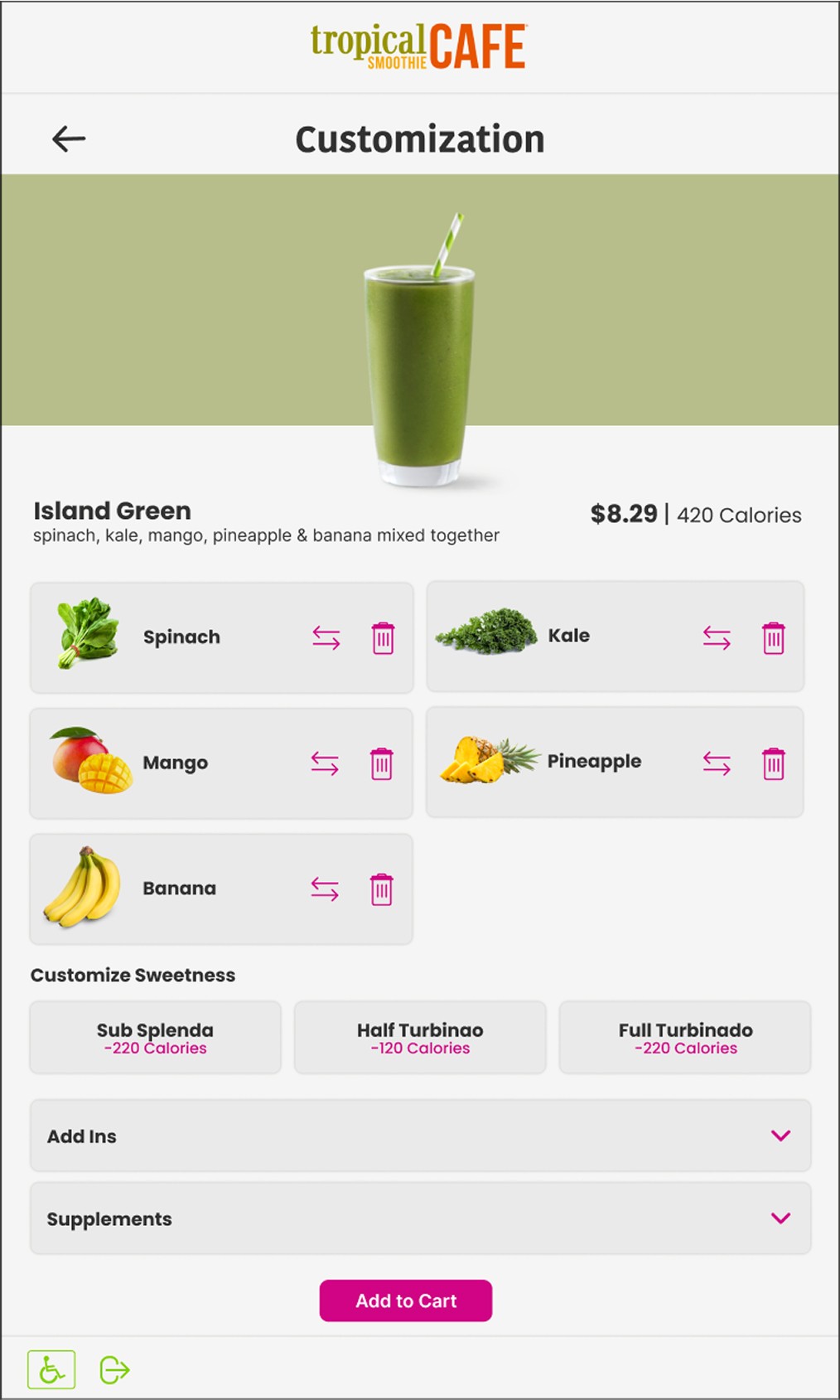
These wireframes show how the user will select a item and add to cart. Once added they will be prompted to whether they would like to customize their item or not.
Wireframe - Cart
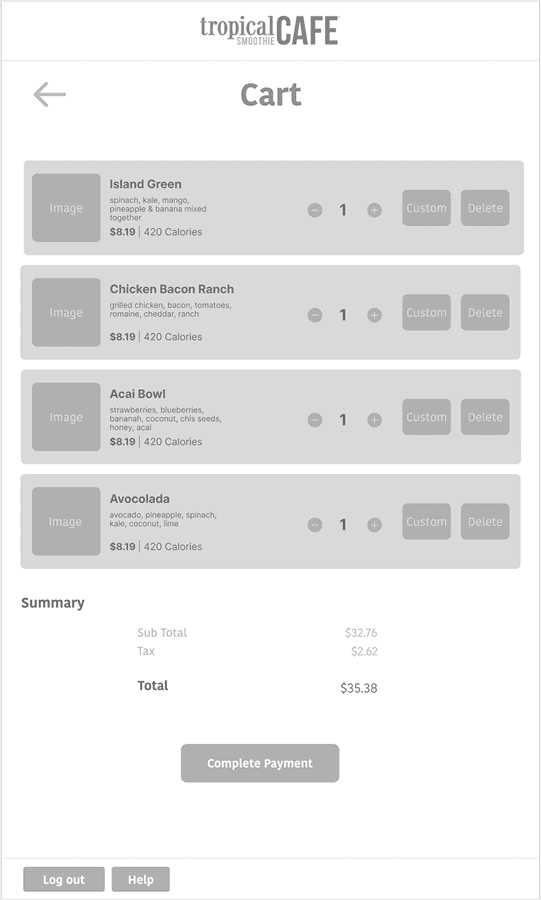
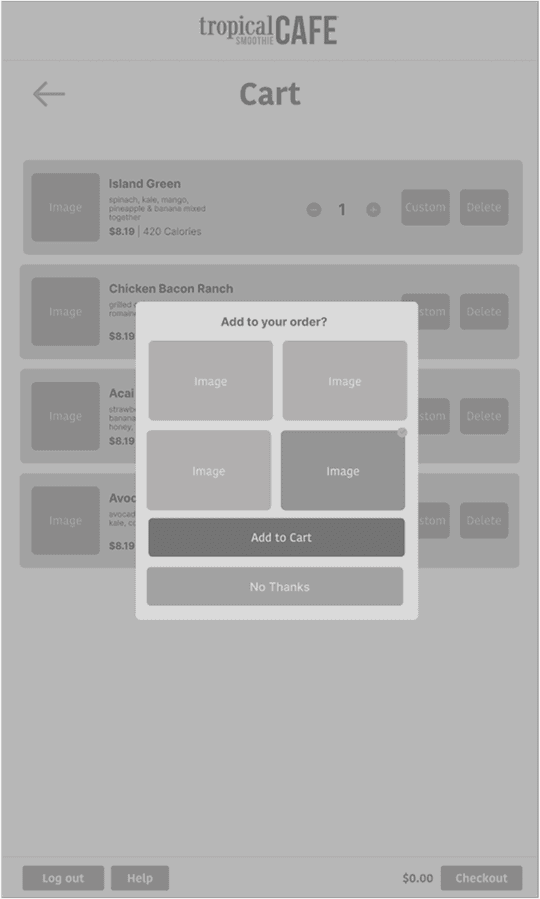
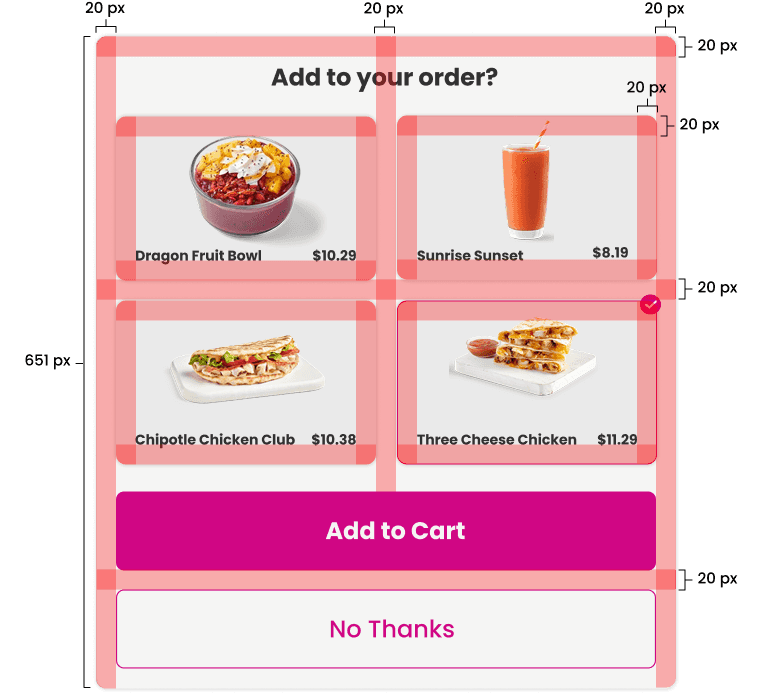
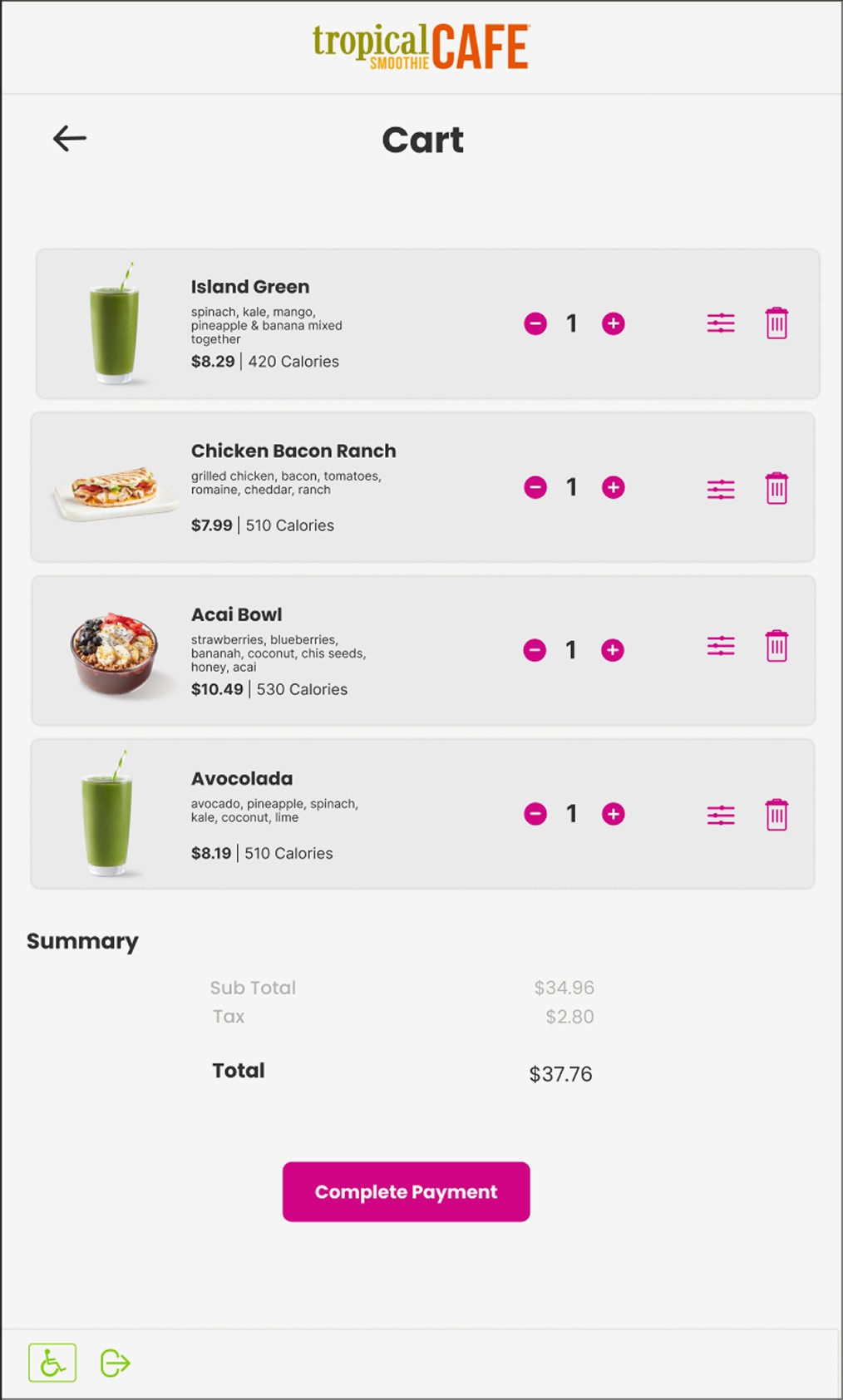
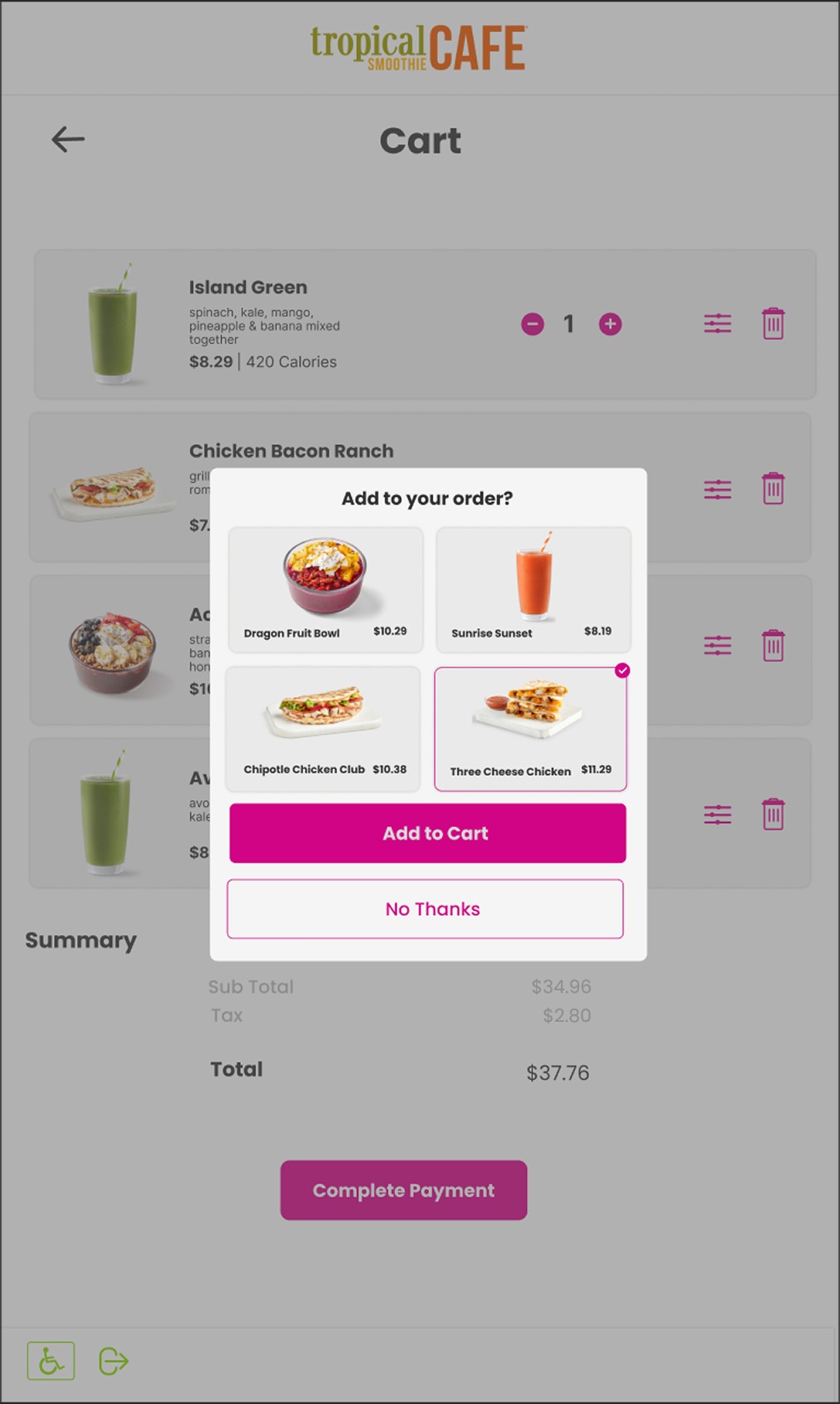
The cart wireframes show the ui for when an item is in the cart and also shows the pop up that will prompt the user to add a select item to their cart or to continue. This engages the user to see more options and allows the opportunity to up sell the customer.
Wireframe - Payment
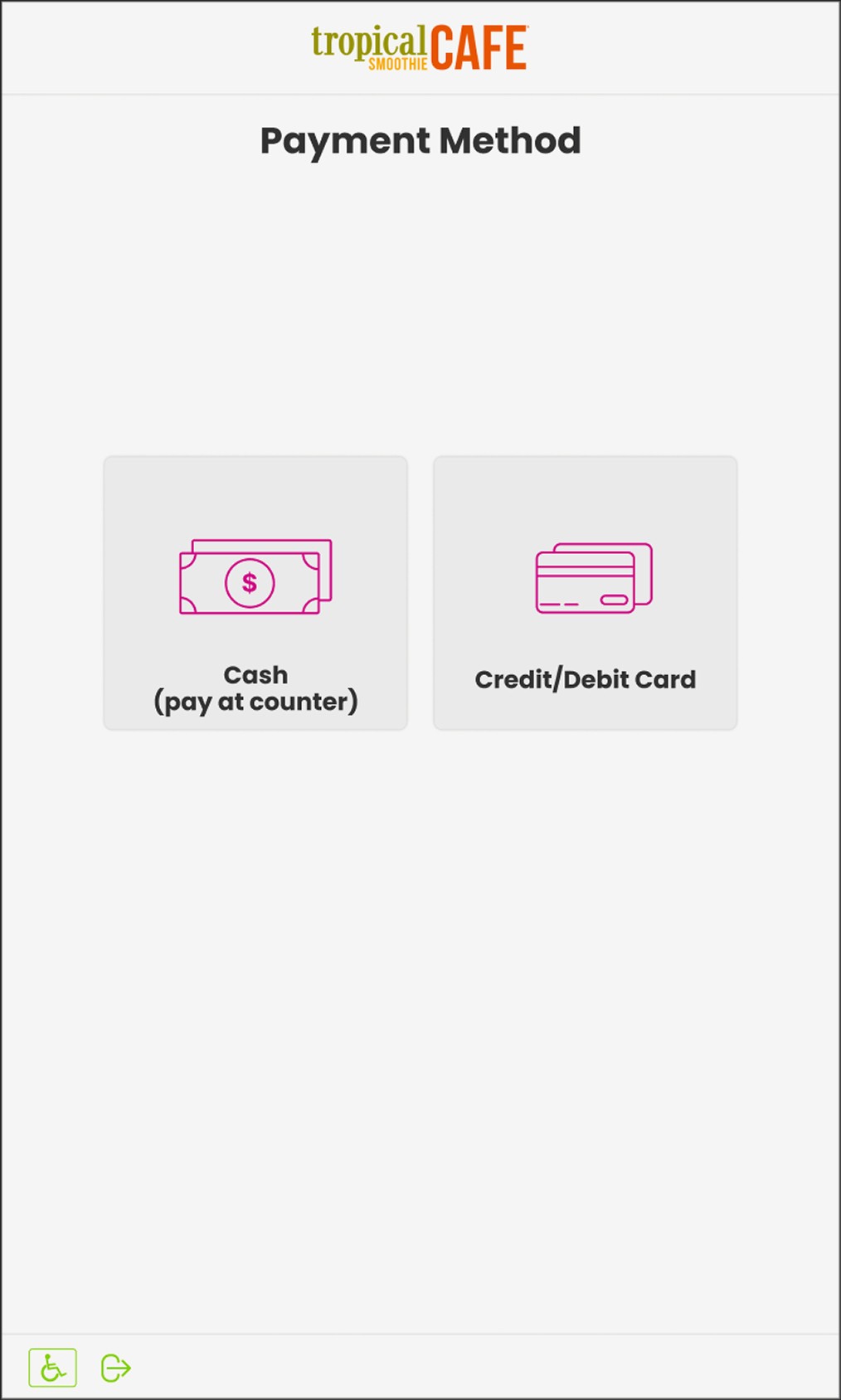
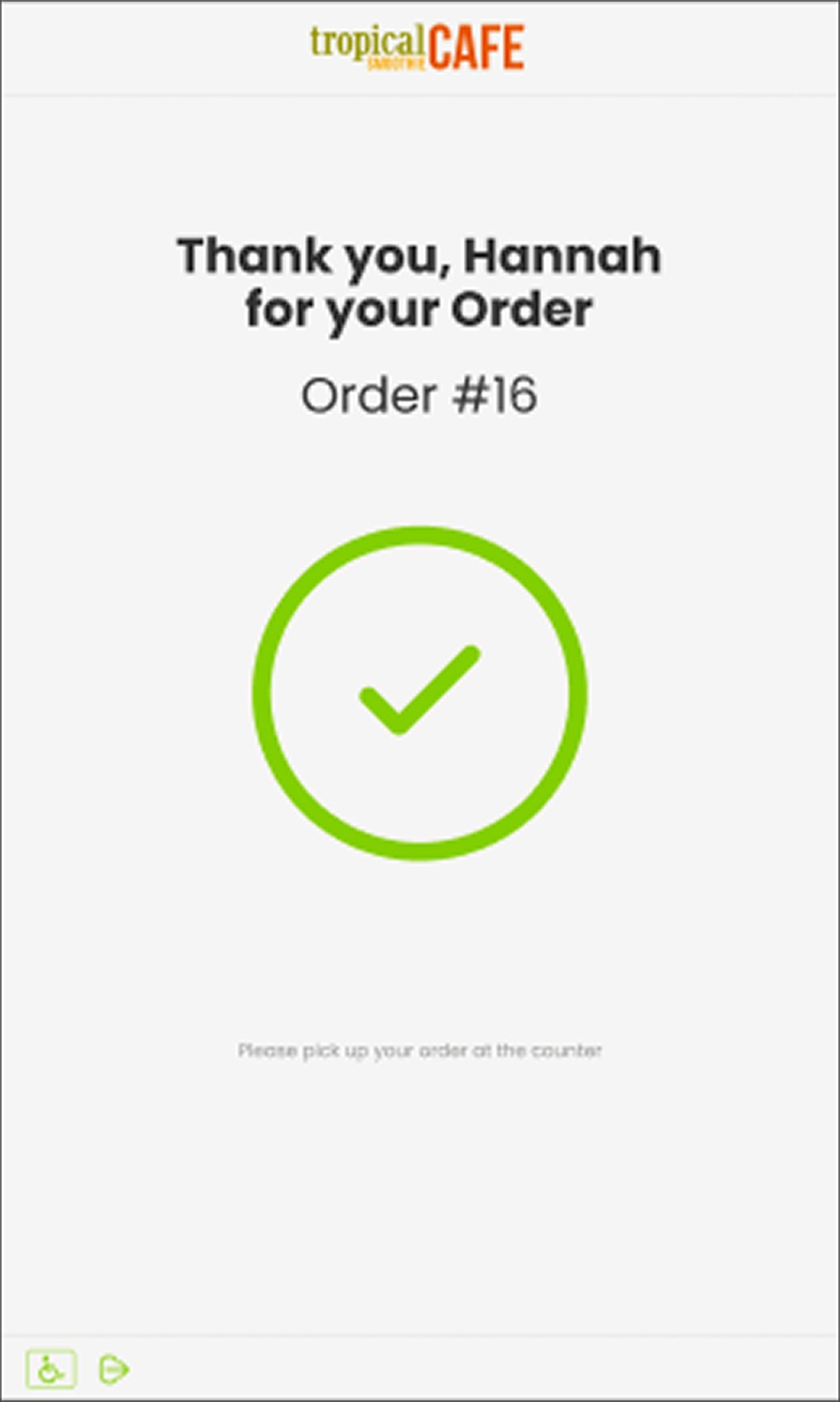
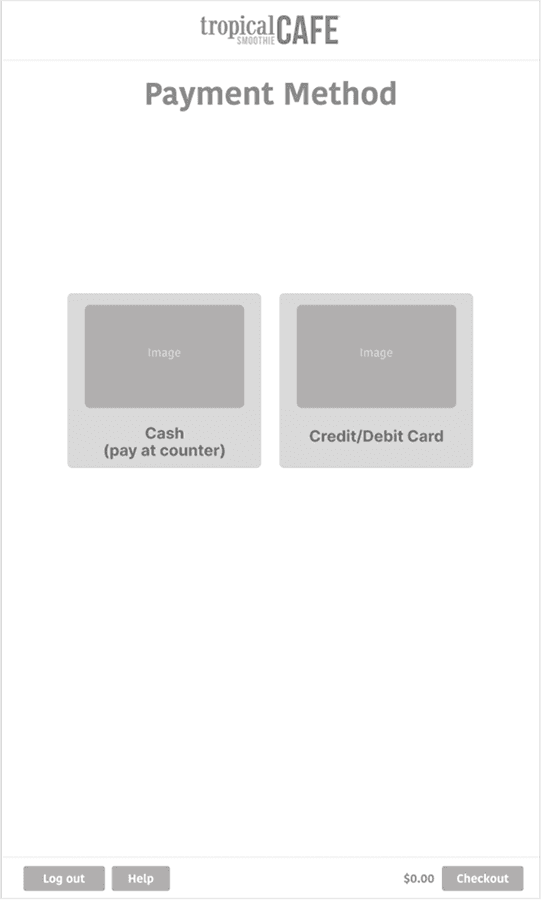
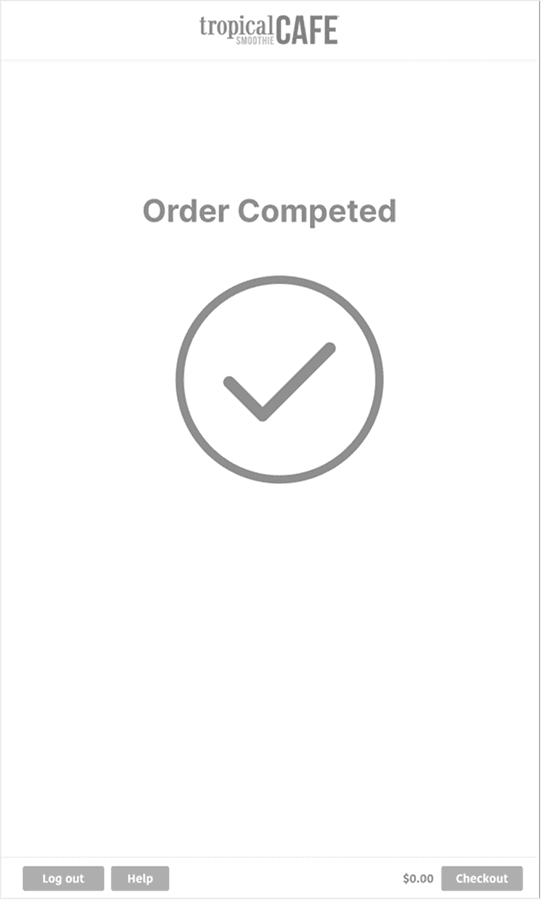
The payment wireframes will lead the user to choose between cash or credit. If cash is chosen they will be prompted to bring their receipt to the register. If credit is selected they will continue to pay at the kiosk.
Style
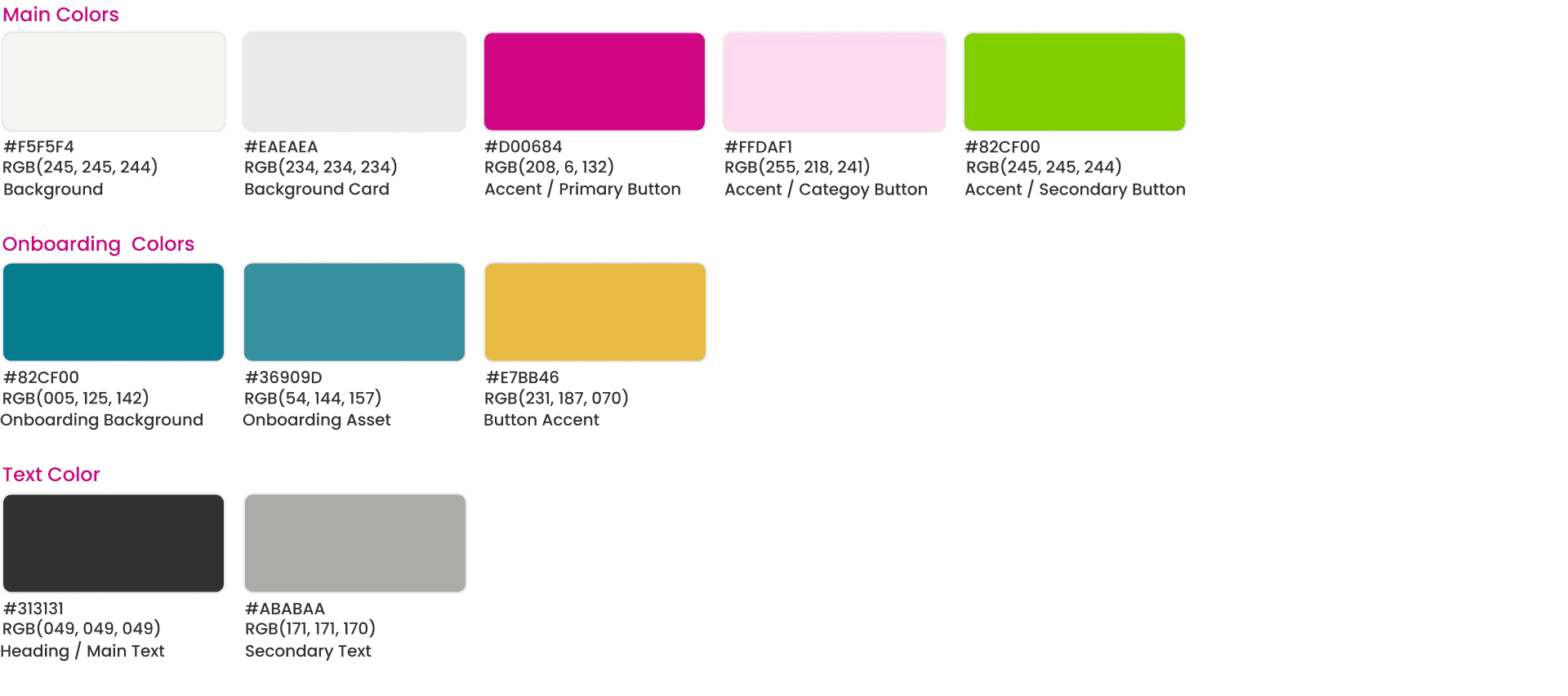
I wanted to create a color pallet that followed the brand and used their colors to create a cohesive color pallet that went together well.
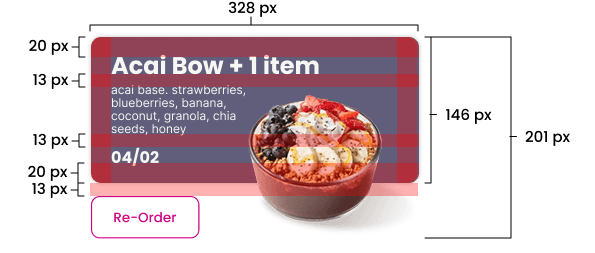
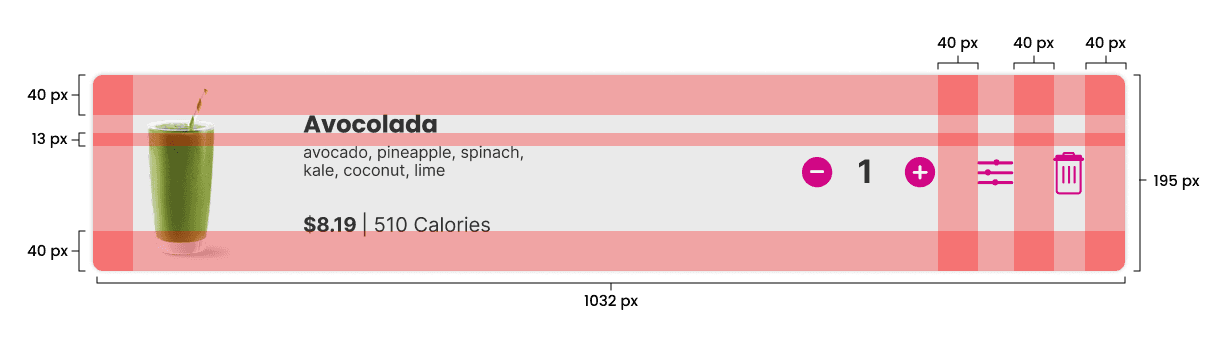
Alignment & Structure
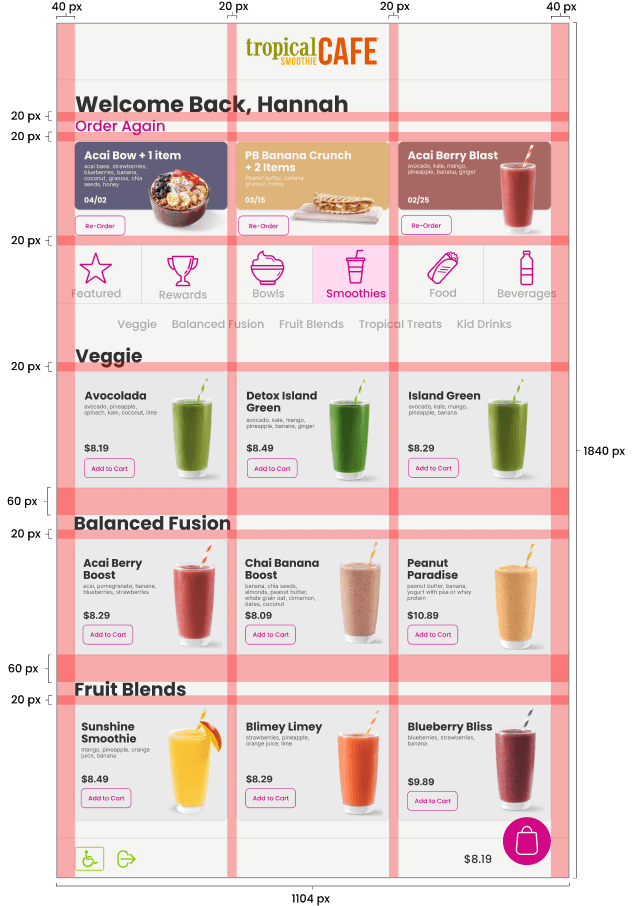
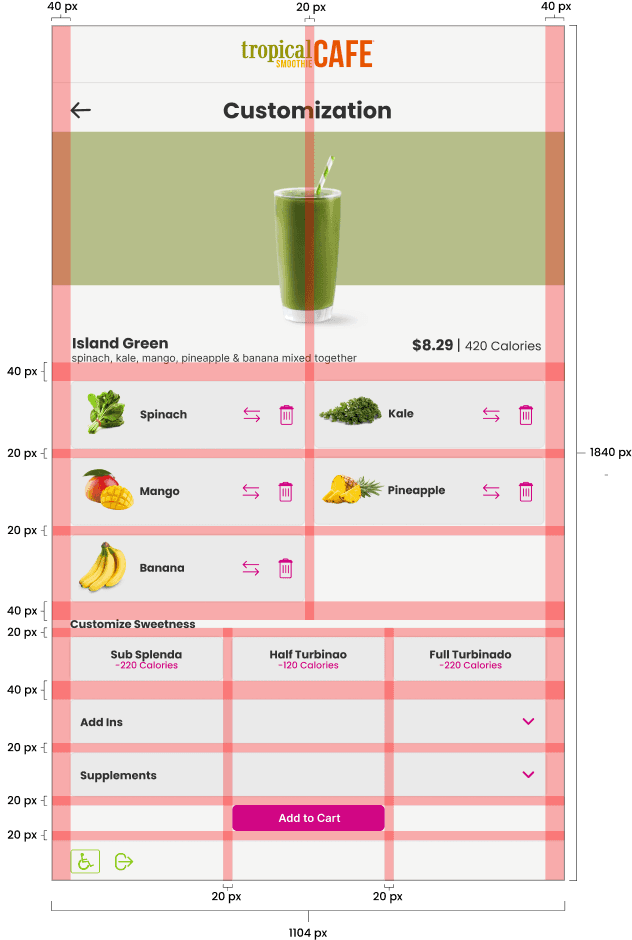
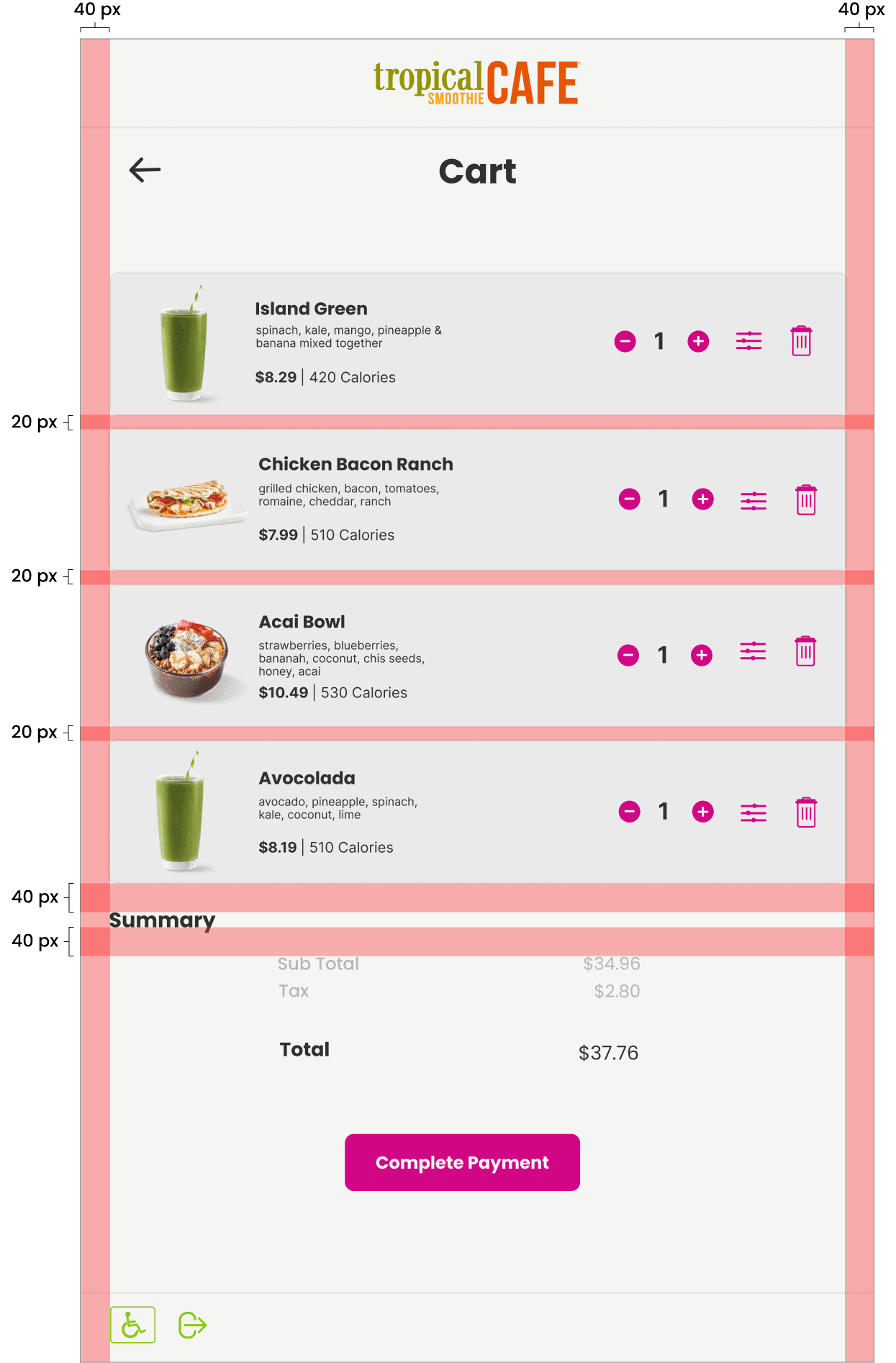
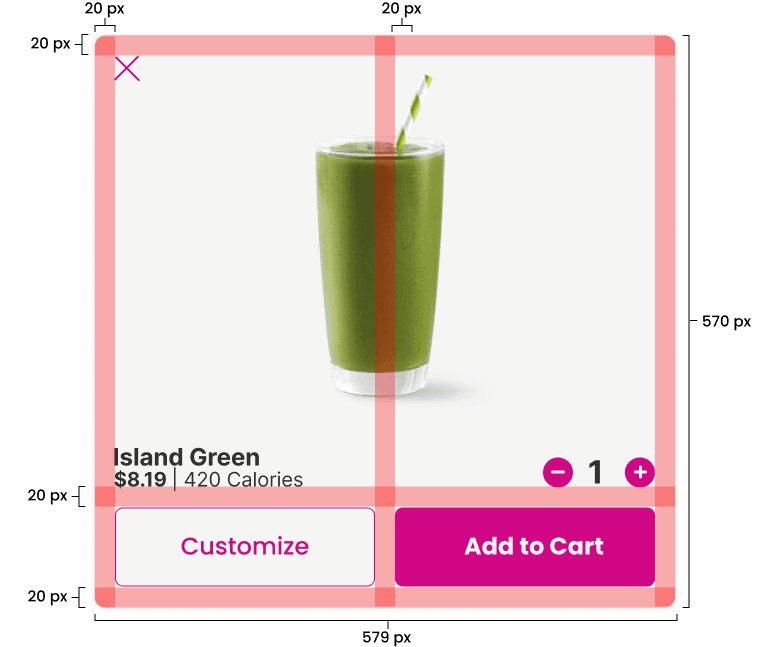
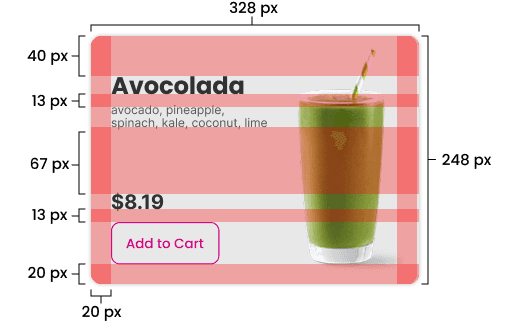
In order to ensure that everything was aligned correctly I went through the structure of each asset and comp to make sure everything is aligned correctly.
Final Comps
Once I went through the structure and alignment and made sure the spacing was correct I was able to create my final comps and continue on with prototyping.
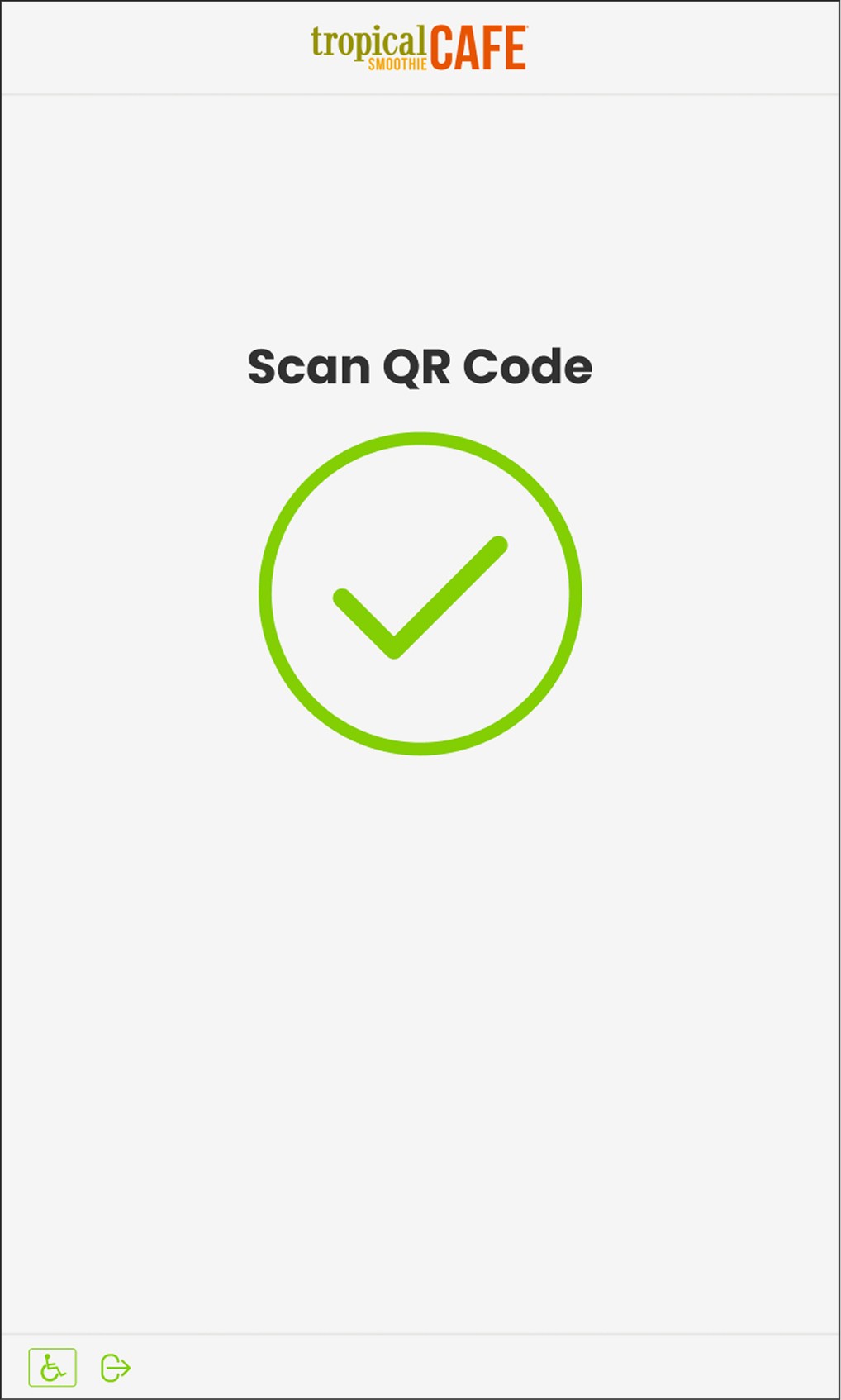
Onboarding/Reward Comps

Item Selection & Customization Comps
Cart Comps
Payment Comps